7 Interactive Content Software Platforms Compared
· 22 min read
Most advice about interactive content software starts by comparing features inside one category. That's backwards. The expensive mistake usually isn't picking the wrong vendor. It's picking the wrong kind of experience.
A polished guided demo, a clickable product tour, a leave-behind for sales, and a safe sandbox for technical evaluation solve different jobs. If buyers need to click through realistic UI, a screenshot-based walkthrough may look good but still fall short. If the team needs speed and broad distribution, a heavy sandbox platform can create more process than value. If the experience is meant for onboarding or support, the authoring and governance needs change again.
That's the frame for this comparison. Three questions matter most. Do viewers need to click through realistic product behavior? How much authoring flexibility does your team need? And is the experience mainly for marketing, sales, onboarding, support, or deeper evaluation?
The seven platforms below move from lightweight interactive demos to enterprise-grade sandbox environments. They also differ in practical ways that matter once a program grows: capture method, publishing options, personalization, analytics, collaboration, governance, and pricing model.
That matters because interactive experiences usually outperform static ones on attention, with one benchmark reporting 52.6% more engagement, 53% more time spent, and 13 minutes average time on interactive content versus 8.5 minutes on static formats in Content Marketing Institute's interactive content coverage. Interactive content software earns its keep when that extra attention turns into clearer product understanding and better next-step intent.
Table of Contents
- 1. Rendemo
- 2. Navattic
- 3. Arcade
- 4. Storylane
- 5. Supademo
- 6. Walnut
- 7. Reprise
- 7-Tool Interactive Content Comparison
- Choose the Format Before You Choose the Platform
1. Rendemo
Feature lists hide the question. What kind of experience do you need to ship, and who has to run it after launch?
Rendemo fits teams that want real product interaction without taking on the overhead of a full sandbox program. It records actual HTML workflows and turns them into clickable, typable experiences that can be reused across marketing, sales, onboarding, and support. That puts it in the real-HTML exploration category, not the screenshot walkthrough lane and not the locked-down enterprise sandbox lane either.
That distinction matters in practice. A polished demo for a landing page, a guided product tour inside the app, and a safe hands-on environment for deeper evaluation are related jobs, but they are not the same job. Rendemo is strongest when one core workflow needs to show up in several places without being rebuilt for each team.
Why the capture model matters
Rendemo records through a Chrome extension, capturing clicks, text input, and interface state step by step. Teams then refine the flow in Studio with captions, focus areas, branding, branching, and lead capture. The workflow is approachable for product marketing and customer education, but it also gives operations-minded teams enough control to standardize how demos get published.
The practical gain is reuse. One captured flow can become a guided demo, an overlay on the live product through Live Guide, an embedded experience on the website, a shareable link, or an MP4. If the same story has to support pipeline generation, sales follow-up, in-app activation, and repeat support questions, that matters more than another long feature grid.
I usually treat that as a filter question. If every team is recreating the same workflow in a different format, the demo program will sprawl fast.
Where Rendemo is a strong operational fit
Rendemo stands out less on headline flash and more on the mechanics of running a program over time.
- Flat workspace pricing: Paid plans include unlimited creators, which avoids per-seat cost jumps once product marketing, support, success, and training all need access.
- Multi-format publishing: The same source material can be distributed in several formats, which is useful for teams that need website demos, sales assets, and in-product guidance from one capture.
- Implementation simplicity: A single script tag handles embeds, which keeps web publishing fairly easy for lean teams.
- Agent and engineering workflows: Rendemo includes an MCP server on every plan, including Free, and supports tours as code so teams can verify walkthroughs in CI before publishing.
- Optimization visibility: Step funnels and content-gap insights help teams spot where viewers stall or drop.
That last point is easy to underrate. Demo programs usually improve through iteration, not through the first publish.
Pricing and trade-offs
Rendemo lists four tiers: Free, Pro at $39 per month, Scale at $129 per month, and Enterprise with custom pricing. The Free plan includes 1,000 monthly views, Pro includes 25,000, and Scale includes 150,000. Those limits are workable for many early-stage programs, but teams expecting a high-volume website rollout should model view usage before launch.
The trade-off is clear.
- Best fit: Teams that need real-HTML interaction and want to reuse it across demand generation, sales qualification, onboarding, support, and training.
- Less ideal for: Teams that need a fully isolated evaluation sandbox with deeper environment control, or teams that cannot use a Chrome-based recording workflow.
- Operational watchouts: Embeds require a script tag, and CI or code-verified tour workflows may still need engineering or IT review.
Rendemo works well for operators who care about format flexibility and repeatable production, not just a good-looking demo. It is a practical option for teams that want something more durable than a screenshot tour, but do not need the cost and process that come with heavier sandbox platforms.
Website: Rendemo
2. Navattic
Navattic is a good choice when the main job is self-serve product discovery on the website. It's built for realistic, clickable demos that feel close to the product, and it works especially well when marketing wants an embedded experience tied to a specific landing page or campaign.
Its Starter plan makes piloting easy because you can test one live demo without committing to a bigger rollout. That's useful when a team wants to validate one high-intent workflow first, such as creating a report, inviting teammates, or launching an automation.
Best use case
Navattic works best when you're disciplined about scope. Pick one workflow that matters to a buyer already showing intent. Put the demo on the page where that buyer is deciding whether your product is worth a meeting or a trial. Then watch whether people reach the key moment that explains the product.
The category itself is moving in that direction. Adoption of interactive demos rose to 18% of 5,000 B2B SaaS websites, up from 12% in 2024, according to Navattic's 2026 State of the Interactive Product Demo report. More teams are treating demos as a standard website experience, not just a sales asset.
What to expect in practice
Navattic offers HTML/CSS capture for realistic demos, link sharing, embeds, AI Copilot support, and basic analytics and lead capture on lower tiers. That's enough for many product marketing teams running focused website programs.
Ungated often wins when the goal is product understanding first and lead capture second.
That's a useful filter for Navattic because the strongest programs usually remove friction early, then ask for details later. If you're evaluating similar tools, this breakdown of Navattic alternatives for interactive product demos is worth a look.
The limitation is less about capability than packaging. Advanced features and multi-demo programs sit behind paid plans, and pricing beyond Starter isn't fully public. That makes it a solid platform for marketing-led evaluation, but less predictable when several teams want to scale usage at once.
Website: Navattic
3. Arcade
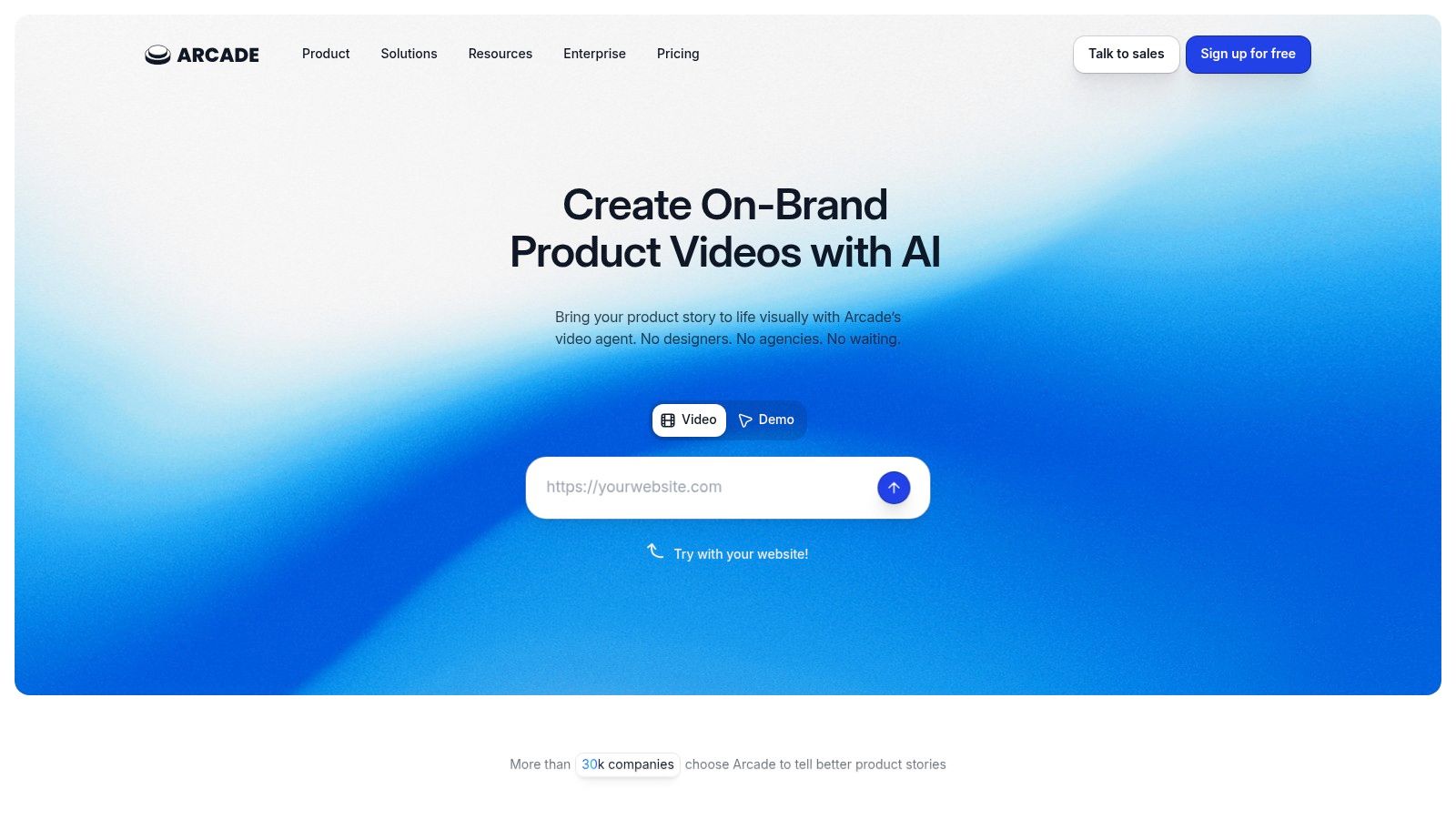
Arcade is not the tool I'd pick for a true product sandbox. It is a strong fit when the job is broader than a product tour and the team needs one piece of source material to turn into an interactive walkthrough, a video, a GIF, and an embed without rebuilding everything from scratch.
That distinction matters.
Some platforms are built to simulate the product as closely as possible. Arcade is built to package product storytelling into multiple formats that marketing, sales, and education teams can ship quickly. If the operational need is content production and reuse, not deep environment realism, Arcade makes more sense than tools that optimize for HTML fidelity first.
Its capture options support that workflow well. Teams can create from a Chrome extension, desktop app, or Figma plugin, which is useful when the product is changing fast or parts of the story still live in design files.
Where Arcade fits best
Arcade works best when a guided experience needs to travel across channels. A product marketer can create a short launch walkthrough, add a CTA or form, then reuse the same core asset in a help center article, an email, or a sales follow-up. MP4 and GIF export are practical here because plenty of buyers will watch before they click.
That multi-format approach lines up with a broader shift toward interactive content. HubSpot's summary of industry research notes that many B2B marketing teams already use interactive content and expect more of their static content to become interactive over time in its interactive content statistics roundup. Arcade fits that use case better than products designed mainly for realistic product replication.
Strengths and trade-offs
Arcade includes AI voiceover, AI translations, branching, CTAs, forms, and analytics. Pricing is easier to understand than in a lot of this category, and the free tier makes it simple to test whether the workflow suits your team.
The trade-off is straightforward. Arcade is strongest as a multi-format authoring system. It is less compelling if your main requirement is real HTML exploration on lower tiers or a safer, more controlled sandbox evaluation for enterprise buyers.
A few points are worth weighing:
- Fast production: Good for teams shipping launch assets, campaign content, and sales collateral on short timelines.
- Multi-format reuse: Useful when the same story needs to work as an interactive demo, video asset, and lightweight embed.
- HTML capture limits: Real HTML capture sits behind Enterprise, which changes the value equation if fidelity is the main buying criterion.
- Authoring complexity: Branching and AI features are useful, but they still need setup and governance if multiple teams are publishing.
If you're comparing options in that category, this breakdown of Arcade alternatives for interactive product demos is a practical place to start.
Website: Arcade
4. Storylane
Storylane is strongest when the job is buyer guidance, not product simulation.
Teams use it to shape how a prospect moves through a story. Marketing can publish a short embedded tour on the site. Sales can send a personalized follow-up version after a call. Product marketing can keep both inside one no-code system instead of stitching together separate tools for web, outbound, and handoff assets.
That operating model matters more than the feature list. Storylane is built for guided experiences that explain, frame, and qualify interest. It is less suited to the kind of safe sandbox evaluation enterprise buyers expect when they want to test workflows with more freedom and less narration.
A practical way to deploy it
Storylane tends to work best with clear ownership. One team usually builds the core demo library, then sales adapts approved versions for specific accounts. That keeps the message consistent and avoids five different teams publishing overlapping tours with different claims, branding, and CTAs.
The format options support that motion. Storylane offers guided demos built from screenshots and video, and higher tiers add HTML editing. It also includes personalization tokens, A/B testing, Account Reveal, HubSpot and Zapier integrations, and branding controls. For teams that care about campaign attribution and sales follow-up, that set is useful because demo engagement can connect to the rest of the funnel instead of living as a standalone asset.
Where the trade-off shows up
The pricing is transparent, which is helpful during evaluation. The constraints are operational.
- Free plan limit: Only one live interactive demo at a time.
- Higher-tier access: HTML editing and multi-team controls sit on more expensive plans.
- Seat model: Authoring access can get tight if marketing, sales, and product all want to build at the same time.
Storylane fits teams that want polished guided tours, embedded web experiences, and personalized leave-behinds from one workspace. If the buying journey depends on controlled storytelling, it does that job well. If the requirement is deeper product exploration or sandbox-style evaluation, other platforms fit better.
Website: Storylane
5. Supademo
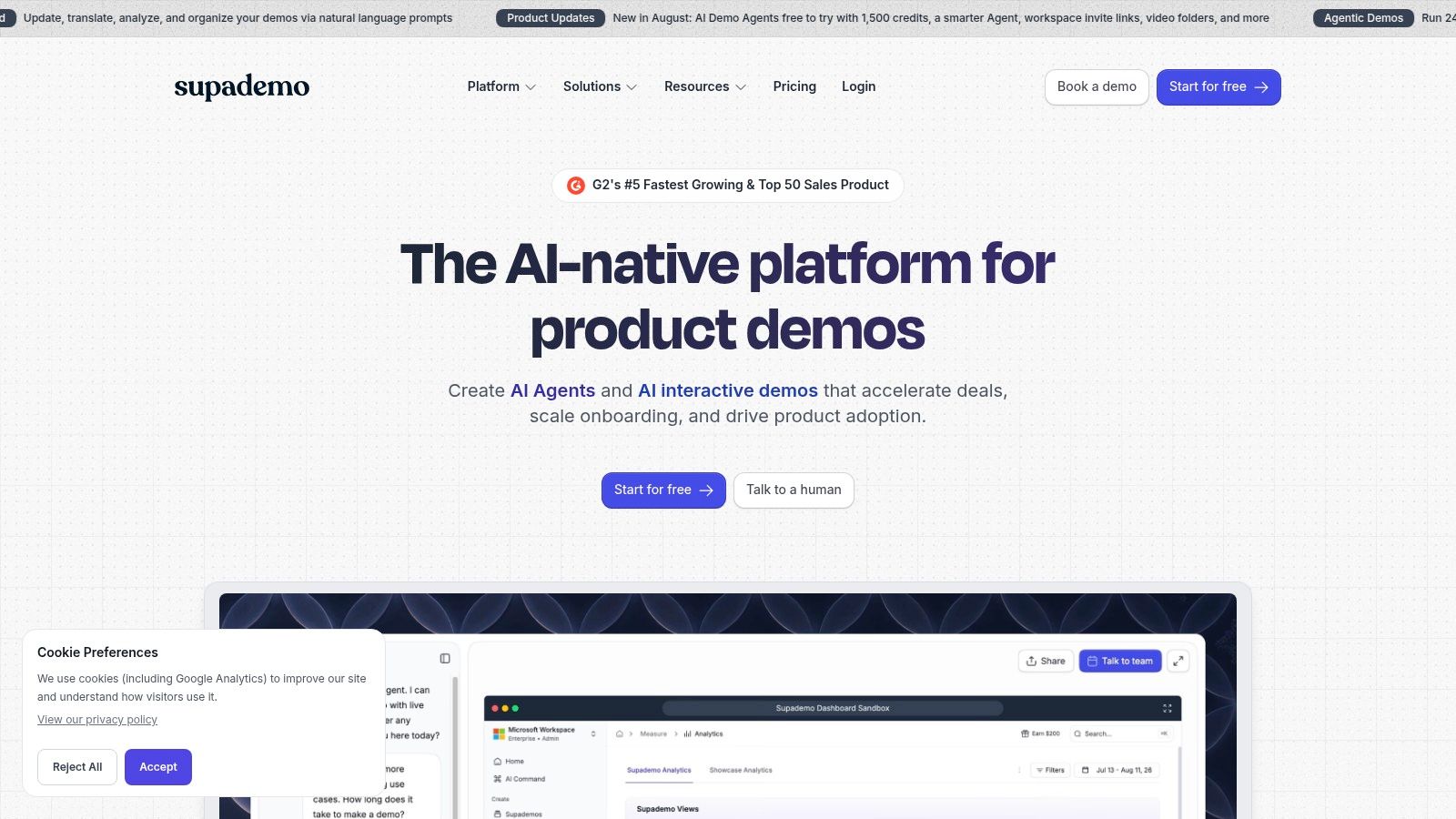
Supademo is useful for teams that have not settled on a single demo format because their audience has not settled either. Some buyers will click through a lightweight screenshot tour. Some want a narrated video they can watch on their own time. Some need a more interactive HTML path before they will book a call. Supademo handles that spread better than tools built around one experience type.
That matters because format choice is usually an operational decision before it is a creative one. A product marketer may need an embedded walkthrough for a launch page. An SDR may need a faster asset for outbound follow-up. A customer success team may want a reusable explainer that can also be exported and shared outside the platform.
Where Supademo fits best
Supademo works well when the job is multi-format publishing from one authoring workflow. Teams can build a guided story, then reuse it across links, embeds, video, and PDF exports without rebuilding the asset from scratch. Branching and variables help when one base demo needs a few versions for different personas or accounts.
I have seen this approach work best in mid-market teams that need coverage across channels more than they need one highly specialized experience.
It is less about giving buyers a deep product environment to explore freely. It is more about packaging the same core story into the formats each channel can support.
What to watch before scaling
The upside is flexibility. The cost is that flexibility can blur the line between a polished walkthrough and a true hands-on evaluation. If your program depends on safe sandbox testing or deeper real-HTML exploration, Supademo may not be the final answer.
A few practical constraints usually show up after rollout:
- Advanced capabilities sit higher up the pricing ladder: Some HTML and AI features are reserved for more expensive plans.
- Creator-based pricing can pinch growing teams: Costs rise once sales, marketing, and product all want authoring access.
- Breadth beats specialization: Supademo covers several formats well, but a team with one dominant use case may prefer a tool built specifically for that motion.
The optional AI Demo Agent add-on also changes the buying decision. It gives teams a way to test AI-assisted demo work without a full platform jump, but usage-based credits need monitoring if many assets are being created or refreshed.
If you are evaluating that trade-off, this guide to Supademo alternatives for interactive product demos is a useful comparison.
Website: Supademo
6. Walnut
Walnut is the option for teams that treat demos as part of account execution, not just content production. The product experience matters, but the operating model matters just as much. If sales, solutions, and marketing all touch the same deal, Walnut is built to keep those touchpoints coordinated.
That changes how to evaluate it.
A lightweight walkthrough tool answers, "Can we tell the story well?" Walnut is better judged by a different question: "Can we package the right experience for each stakeholder in a complex buying cycle, then track what happened at the account level?" That is why the platform bundles interactive demos, semi-sandbox experiences, digital sales rooms, playlists, AI-assisted creation, and engagement analytics into one system.
A typical use case is an enterprise deal with several reviewers. One stakeholder gets a guided product story. Another gets a custom asset library in a sales room. A champion shares the package internally. The account team then checks engagement in Salesforce, HubSpot, or Marketo and adjusts follow-up based on who spent time where. That is a different job from publishing a single self-serve tour.
Walnut fits best when buyer journeys are structured and multi-threaded. It is less about free exploration in the way a true sandbox platform handles it, and less about quick multi-format publishing in the way a capture-first tool does. It sits in the middle. More controlled than open exploration, more operational than a simple polished demo.
The upside is clear. Larger revenue teams get governance, buyer-intent visibility, offline demo support, and a way to keep buyer-facing assets tied to the deal process instead of scattered across links and decks.
The cost is clear too.
Walnut usually makes sense after a team already knows demos influence pipeline and wants tighter control over how those assets are created, shared, and measured. Smaller teams can end up overbuying. Packaging can also take real admin work once seats, credits, and cross-functional ownership enter the picture. Custom pricing slows down lightweight evaluation, which is frustrating if you are still deciding whether you need an enterprise demo workflow or just a better tour builder.
Website: Walnut
7. Reprise
Reprise belongs at the deep-evaluation end of the market. If a lightweight recorded walkthrough is enough, you probably don't need it. If buyers need realistic product exploration in a safe, stable environment, it becomes a much more compelling option.
Its core value is application cloning and sandboxing. That lets teams offer a high-fidelity product experience without exposing production systems or real customer data.
Where Reprise makes sense
This is the platform category for complex enterprise products. Think software that requires realistic datasets, stable workflows across long sales cycles, and tight control over what prospects can access. In that context, a recorded story often isn't enough. Buyers want to evaluate the shape of the product, not just watch a curated path.
Reprise combines full application cloning, safe sandboxes, unlimited guided demos, no-code customization, variable editing, and AI data injection to populate demo datasets. It also includes enterprise delivery and security features such as SOC 2 Type II, ISO 27001, SSO/RBAC, CDN, and analytics.
The cost of realism
Reprise solves a real problem, but it asks for more process in return. Setup, governance, and maintenance are heavier than record-and-share platforms. Sales-led pricing is also typically higher than lighter demo tools.
That's normal for this end of the market. Independent buyer guide coverage on product walkthrough software shows a fragmented and price-sensitive category, with entry pricing ranging from free tiers to roughly $35 to $400 per month for SMB-focused tools, and $10,000+ per year for enterprise digital adoption platforms in this product walkthrough software buyer guide. Reprise sits closer to the enterprise side of that divide.
Buy this category when safe evaluation matters more than publishing speed.
Website: Reprise
7-Tool Interactive Content Comparison
| Product | Implementation Complexity 🔄 | Resource Requirements ⚡ | Expected Outcomes 📊⭐ | Ideal Use Cases 💡 | Key Advantages ⭐ |
|---|---|---|---|---|---|
| Rendemo | 🔄 Moderate, Chrome extension recorder + Studio; CI linting/verification available (engineering needed for advanced CI). | ⚡ Lightweight runtime (single script tag); flat per-workspace pricing; Chrome recording required; tiered view limits. | 📊 High engagement and conversion optimization; reusable capture across channels; analytics (step funnels, content-gap). | 💡 Cross-functional reuse: demand gen, sales qualification, onboarding, support, training. | ⭐ Real‑HTML interactive demos, capture-once-publish-everywhere, unlimited creators, tours-as-code, built‑in MCP server. |
| Navattic | 🔄 Low–Moderate, HTML/CSS capture and embeds; AI Copilot simplifies creation. | ⚡ Low barrier: free Starter (one demo); paid tiers required for multi-demo programs; pricing beyond Starter is sales-led. | 📊 Strong marketing conversion on landing pages; basic analytics and lead capture on lower tiers. | 💡 Marketing & self‑serve discovery; pilot a high‑intent workflow on a landing page. | ⭐ Realistic clickable HTML demos, shareable embeds, AI-assisted authoring. |
| Arcade | 🔄 Low, fast creation via Chrome ext, desktop app, Figma plugin; some AI/branching features have learning curve. | ⚡ Transparent pricing with permanent free plan; HTML capture reserved for Enterprise. | 📊 Quick-to-produce assets (videos/GIFs/docs) that support sales and documentation; decent analytics. | 💡 Product marketing: short guided flows, documentation, sales follow-ups. | ⭐ Fast workflows, AI voiceovers/translations, easy exports (MP4/GIF). |
| Storylane | 🔄 Low–Moderate, no-code workspace; screenshot/video-first with HTML editor on Growth+. | ⚡ Seat-based pricing with transparent tiers; free plan allows one live interactive demo. | 📊 Good for demand generation + sales enablement; personalization tokens and A/B testing improve conversion. | 💡 Website discovery experiences, personalized sales leave‑behinds, detailed flows for qualified prospects. | ⭐ Clear pricing, integrations (HubSpot/Zapier), A/B testing and Account Reveal. |
| Supademo | 🔄 Low, supports screenshot, guided/sandbox HTML and video recording; flexible publishing modes. | ⚡ Generous free tier; transparent creator-based pricing; optional usage-based AI Demo Agent credits. | 📊 Versatile outputs (links/embeds/video/PDF) for different audiences; fast authoring. | 💡 Quick sales emails, exported videos for broad audiences, richer paths for engaged prospects. | ⭐ Multiple capture types, fast authoring, transparent AI/usage pricing. |
| Walnut | 🔄 High, enterprise orchestration (digital sales rooms, playlists); AI-assisted creation and analytics. | ⚡ Enterprise seat & credit packaging; custom sales-led pricing; published AI top-up rates. | 📊 Coordinated buyer-journey assets with rich analytics and intent-driven follow-up. | 💡 Enterprise revenue teams needing governed multi-asset sales experiences and CRM automation. | ⭐ Deep enterprise features, CRM/MA integrations, semi-sandboxes and buyer-intent workflows. |
| Reprise | 🔄 High, full application cloning, safe sandboxes, governance and setup required. | ⚡ Enterprise-focused (sales-led pricing); higher setup and governance overhead. | 📊 High-fidelity, production-like demos for deep evaluation with strong security/compliance. | 💡 Complex enterprise products needing realistic, secure demonstrations across sales cycles. | ⭐ Application cloning & sandboxing, enterprise security (SOC2/ISO), unlimited guided demos. |
Choose the Format Before You Choose the Platform
The cleanest way to buy interactive content software is to decide what kind of experience you need before comparing feature grids. Teams that skip that step usually end up overbuying complexity or underbuying realism.
If visitors need to click through a realistic product flow, start with real-HTML platforms. That's the right lane for website demos, product-led discovery, and guided experiences that should feel close to the product itself. If speed and distribution matter more than exact product behavior, screenshot and video-led tools are often the better answer. They're easier to produce, easier to repurpose, and often easier to roll out across marketing and sales.
Some teams need both. In those cases, multi-format platforms earn their place because they let one workflow serve different audiences without rebuilding the story every time. Marketing may want an embedded guided experience. Sales may want a link in follow-up. Broader audiences may still respond better to video. Mixed-format authoring helps when one audience isn't enough.
The enterprise end is different. If technical buyers need deep evaluation and your team can't risk exposing production data, sandbox and clone-based platforms are the better fit. They cost more. They usually require more process. But they solve a different problem from lightweight demo tools, and they solve it well.
A practical buying path looks like this:
- Define the audience and stage: Be specific about whether the experience is for first-touch marketing, active sales cycles, onboarding, support, or deeper evaluation.
- Test the capture method on a real workflow: Don't judge from a vendor's polished sample. Capture one of your own product stories and see where the process breaks.
- Confirm publishing and analytics needs: Check whether you need embeds, links, in-app tours, exports, persona variants, lead capture, or step-level analytics.
- Model usage limits early: View caps, creator billing, seat packaging, and enterprise credits affect total cost more than feature checklists do.
- Check governance requirements: Security review, script-tag deployment, roles, permissions, and CI workflows matter once more than one team gets involved.
The larger trend supports taking this seriously. Interactive content platform market estimates place the category at $3.8 billion in 2025, with a projection to $10.6 billion by 2034 at a 12.1% CAGR, and software representing 63.4% of revenue while North America holds 38.2% share in 2025, according to HubSpot's market-stat summary of interactive content software. This isn't a niche tactic anymore.
If the goal is real-HTML interaction, capture-once distribution, flat workspace pricing, agent workflows, and CI-verified tours in one operating model, Rendemo stands out. It's especially relevant for teams that want a practical system they can use across marketing, sales, onboarding, support, and training without splitting the workflow across multiple tools.
If you want interactive content software that feels like the product instead of a staged approximation, Rendemo is worth a close look. It lets teams record one real-HTML workflow and reuse it as a guided demo, embedded experience, in-app tour, shareable link, or exported video, which makes it a practical fit for modern demo programs that need both realism and range.
See it instead of reading about it
Record one workflow from your real product and publish a clickable demo anyone can follow. Real-HTML capture is on the free plan.
Start free