Product Led Growth Tools: A 2026 Buyer’s Guide
· 18 min read
Most advice on product led growth tools starts from the wrong assumption. It assumes one platform should handle demos, onboarding, analytics, feedback, and expansion motions in a single stack. That sounds tidy. In practice, it usually creates a bloated setup where one team pays for features it won't use while another still needs a second tool to solve the bottleneck.
The better question is simpler. What job needs doing right now? Showing value before signup is a different problem from guiding a trial user to activation. Measuring feature adoption is different again. So is connecting product signals to customer success outreach.
That distinction matters because PLG isn't a niche anymore. A 2026 market report projects the product-led growth platform market will grow from $5.47 billion in 2025 to $6.64 billion in 2026, a projected 21.4% CAGR, which signals sustained demand for software that helps teams onboard, activate, and convert through the product experience (Research and Markets PLG platform market report).
If your immediate need is an interactive, reusable product experience before or during evaluation, Rendemo is especially relevant. The other tools here lean more toward in-app adoption, analytics, or customer-success workflows. Below, I'm comparing seven options by the PLG job they support, with the trade-offs that shape a buying decision.
Table of Contents
- 1. Rendemo
- 2. Appcues
- 3. Pendo
- 4. Gainsight PX
- 5. Chameleon
- 6. Userpilot
- 7. Userflow
- Top 7 Product-Led Growth Tools Comparison
- Choose the Gap You Need to Close
1. Rendemo
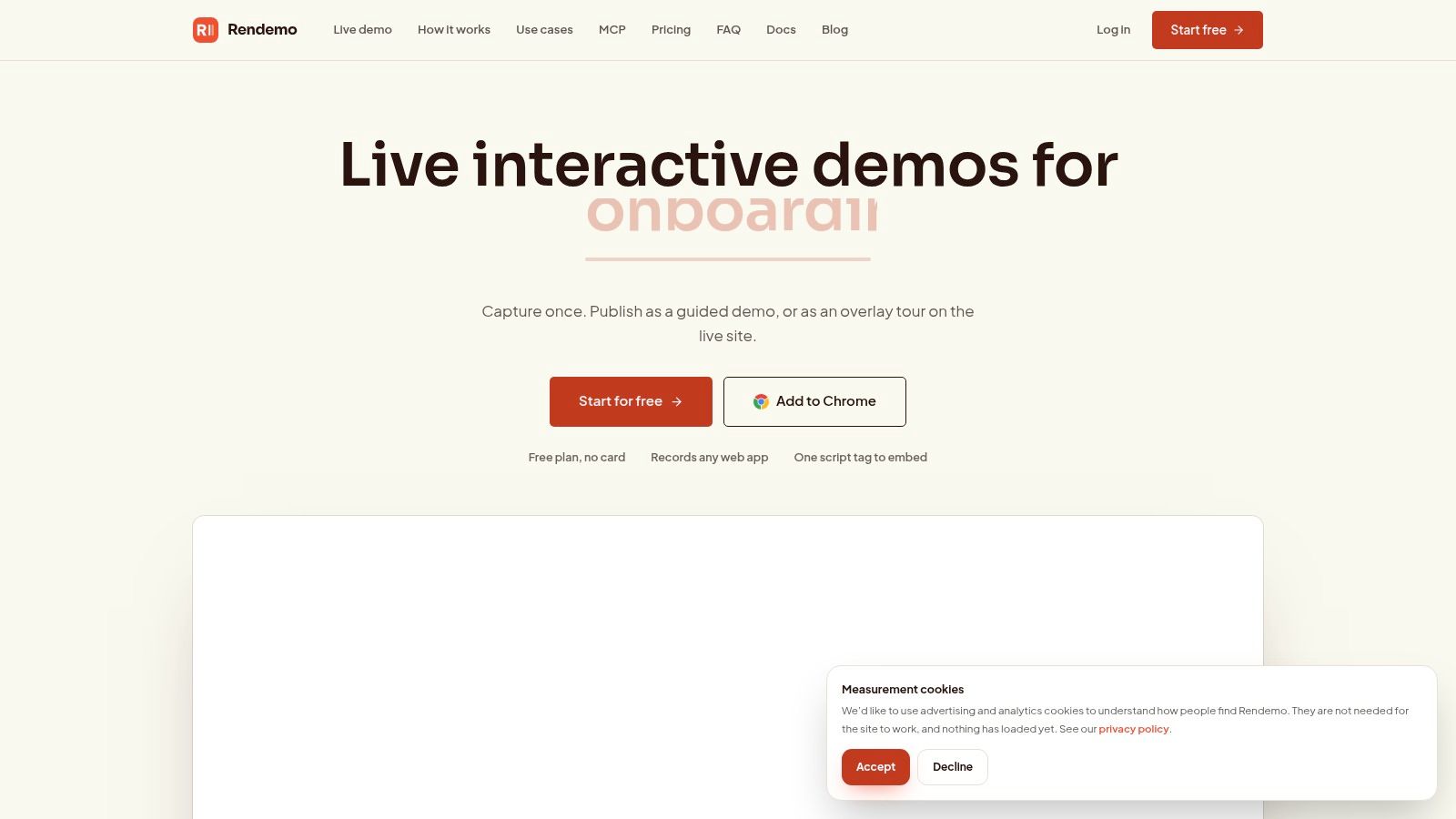
Rendemo fits the first PLG job in this list: showing product value before a user has full access. If your funnel breaks at evaluation, a polished sales deck will not fix it. Prospects need to try the workflow itself.
The product captures real HTML, then turns that capture into an interactive demo or guided tour. People can click, type, and move through the flow in a way that feels much closer to the product than a video or static screenshot sequence. That is useful in three common cases: marketing pages that need a credible preview, sales follow-up that needs a hands-on asset, and onboarding moments where users benefit from a rehearsed path before doing the task live.
The practical strength is format reuse.
One capture can be published as an embedded demo, a shareable link, a live-product overlay, or an MP4 export. Teams that manage separate assets for product marketing, onboarding, support, and enablement usually feel the difference quickly. Fewer duplicate assets means fewer stale screenshots, fewer one-off demos, and less maintenance every time the UI changes.
Where Rendemo stands out
Rendemo's pricing structure is also more predictable than many tools in this category. The Free plan includes real HTML interactivity, one published demo or tour, and up to 1,000 monthly views. Pro starts at $39 per month with unlimited creators, up to 25,000 monthly views, analytics, and persona branching. Scale starts at $129 per month with up to 150,000 monthly views, Live Guide overlays, localization, roles, and priority rendering. Enterprise adds SSO, SLAs, and unlimited views.
That workspace model matters when several teams need access. Product marketing may build the initial demo, sales engineering may reuse it in outbound or live follow-up, and customer success may adapt the same flow for onboarding. Charging by seat in that setup gets expensive fast. Charging at the workspace level is usually easier to plan around.
Practical rule: If the same workflow needs to live on your website, in a sales email, and inside the product, choose a tool that can publish one source capture in multiple formats.
Rendemo also goes deeper on maintenance than a lot of demo-first tools. It includes an MCP server for AI-generated demo creation and publishing, plus tours-as-code with CI verification. That will matter more to teams with frequent releases than to teams shipping a stable UI once a quarter. If your product changes often, broken tours become an operational problem, not just a content problem.
What works and what doesn't
What works well:
- Interactive evaluation: Prospects can test a real workflow instead of watching a passive walkthrough.
- Cross-team reuse: The same capture can support marketing, sales, onboarding, and support.
- Maintenance controls: CI verification helps catch tour breakage before it reaches users.
- Predictable collaboration costs: Unlimited creators on paid workspace plans reduce seat-count friction.
Trade-offs:
- View caps: Free, Pro, and Scale all limit monthly views, so high-traffic use cases need planning.
- Chrome-based capture: Recording depends on a Chrome extension and web-based HTML capture, which can be limiting for non-web products or unusual environments.
- Focused analytics: Rendemo covers demo engagement and step-level behavior, but it is not meant to replace product analytics or customer success software.
Rendemo is a strong fit when the gap is early product experience. It helps teams make evaluation more hands-on, then carry that same experience into activation without rebuilding it in three different tools.
Visit Rendemo
2. Appcues
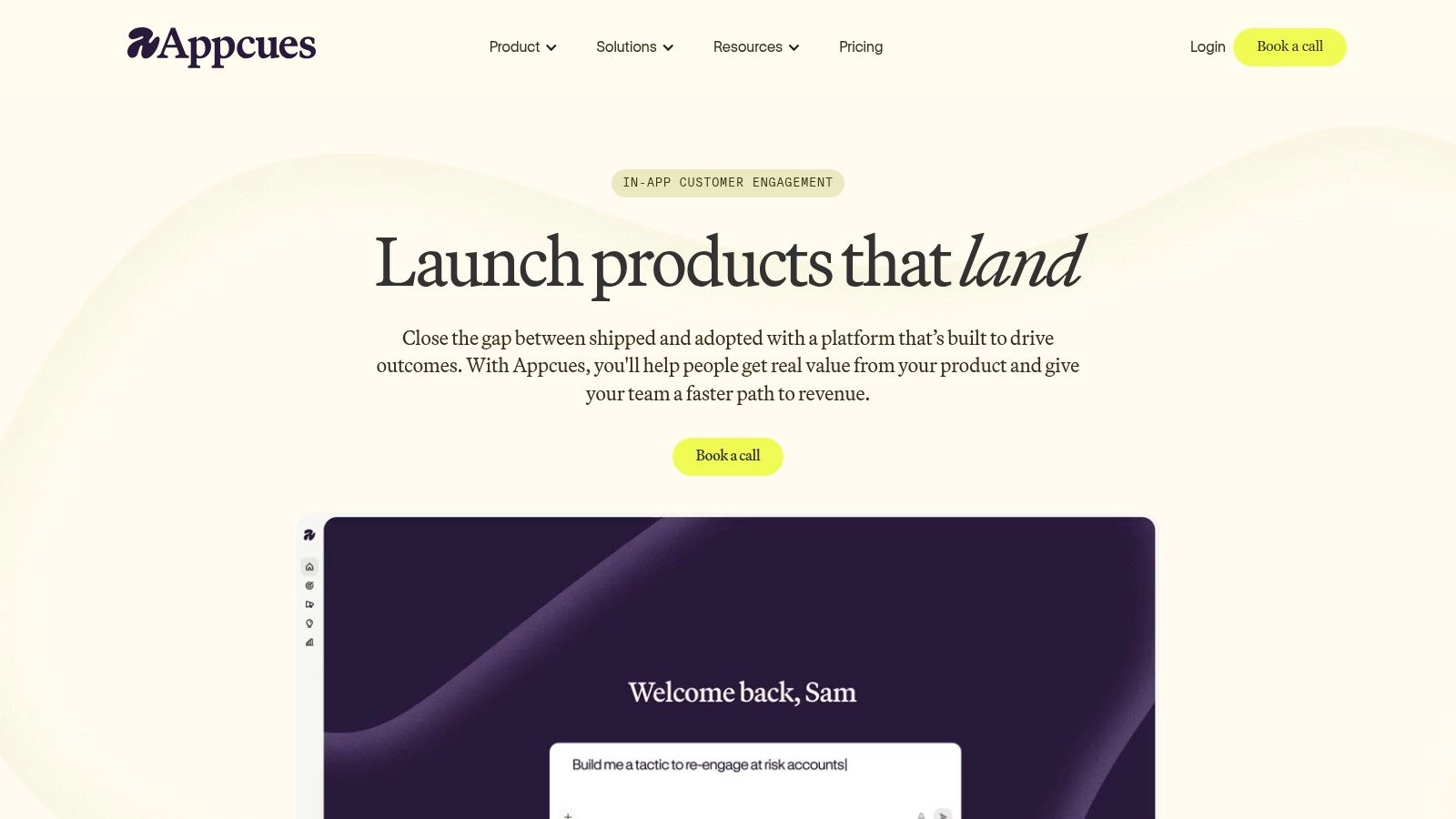
Appcues is the pick for teams that want a mature in-app experience builder and don't want to rely heavily on engineering for every onboarding change. It's built for flows, tooltips, modals, checklists, announcements, and surveys across web and mobile. If your PLG issue starts after signup, Appcues belongs on the shortlist.
Its appeal is less about novelty and more about operational maturity. The platform has been around long enough that larger teams usually find the docs, implementation patterns, and services support they need. That matters during migration or when several teams need governance around who can ship what.
Best fit for guided onboarding
Appcues uses an MAU-based plan structure, and its positioning is relatively clear. Published experience types are included across plans, which reduces the usual uncertainty around what's hidden behind a higher tier. The trade-off is that public dollar pricing isn't listed, so you'll need a sales conversation to understand cost at your volume.
If your team is comparing Appcues with lighter demo-first options, it helps to separate pre-signup evaluation from in-product guidance. A dedicated product tour software comparison can clarify where each category fits.
Appcues is strongest when the problem is behavioral guidance inside the app, not when the biggest need is a reusable interactive demo for marketing or sales.
A few things to watch:
- Strongest use case: Structured onboarding flows for web or mobile products.
- Nice operational trait: MAU-based packaging can be easier to forecast than seat-heavy pricing.
- Common friction: Larger teams often need cross-functional coordination for targeting, governance, and analytics definitions.
Appcues is a solid fit for product marketing, product ops, and lifecycle teams that want to ship in-app experiences quickly. It's less compelling if you mainly need analytics depth or pre-signup product storytelling.
3. Pendo
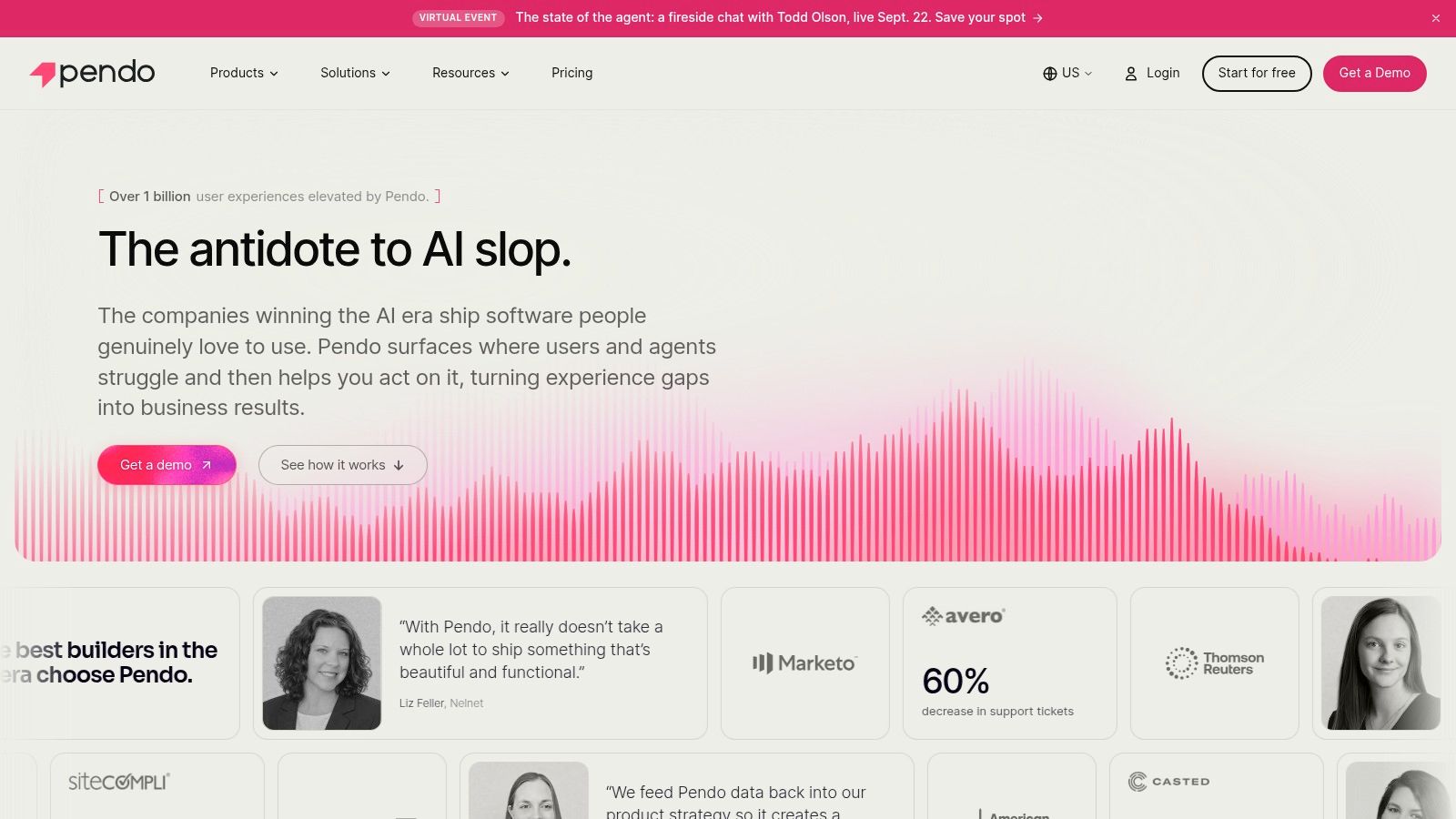
Pendo is the analytics-first choice in this group. If your team wants usage data, in-app guides, feedback loops, and potentially session replay in a more integrated product experience suite, Pendo makes sense. It's built for teams that want one system to observe behavior and act on it inside the product.
That's different from a tours-only purchase. Pendo is usually part of a broader operating model around product analytics, segmentation, guidance, and voice-of-customer workflows.
Better when insight and action live together
Pendo offers a free plan for up to 500 MAUs, which is useful for smaller evaluations or narrow product surfaces. Paid pricing is based on MAUs and functionality bundles, though public dollar amounts for those paid tiers aren't listed. It also has Novus, an AI-native product in free beta, aimed at auto-instrumentation and proactive insight generation.
This is the kind of platform you choose when the team keeps asking, “What are users doing before they stall?” and wants to answer that without stitching together multiple point tools. If you're sorting out that category boundary, this guide to product experience software is a useful companion read.
The catch is implementation weight. Pendo can do a lot, and that's exactly why smaller teams sometimes struggle with it.
- Use Pendo when: Product analytics drives the PLG motion and guides are one response layer.
- Be careful when: You only need lightweight tours or a fast-moving onboarding layer.
- Expect work: Governance, instrumentation choices, and ownership lines matter more here than with a simpler guidance tool.
A benchmark summary reports that 91% of B2B SaaS companies with more than $50 million in ARR had implemented PLG strategies, and the same benchmark said 91% of those planned to increase PLG investment further (PLG statistics summary). For companies operating at that scale, the appeal of a broad platform like Pendo is easy to understand.
4. Gainsight PX
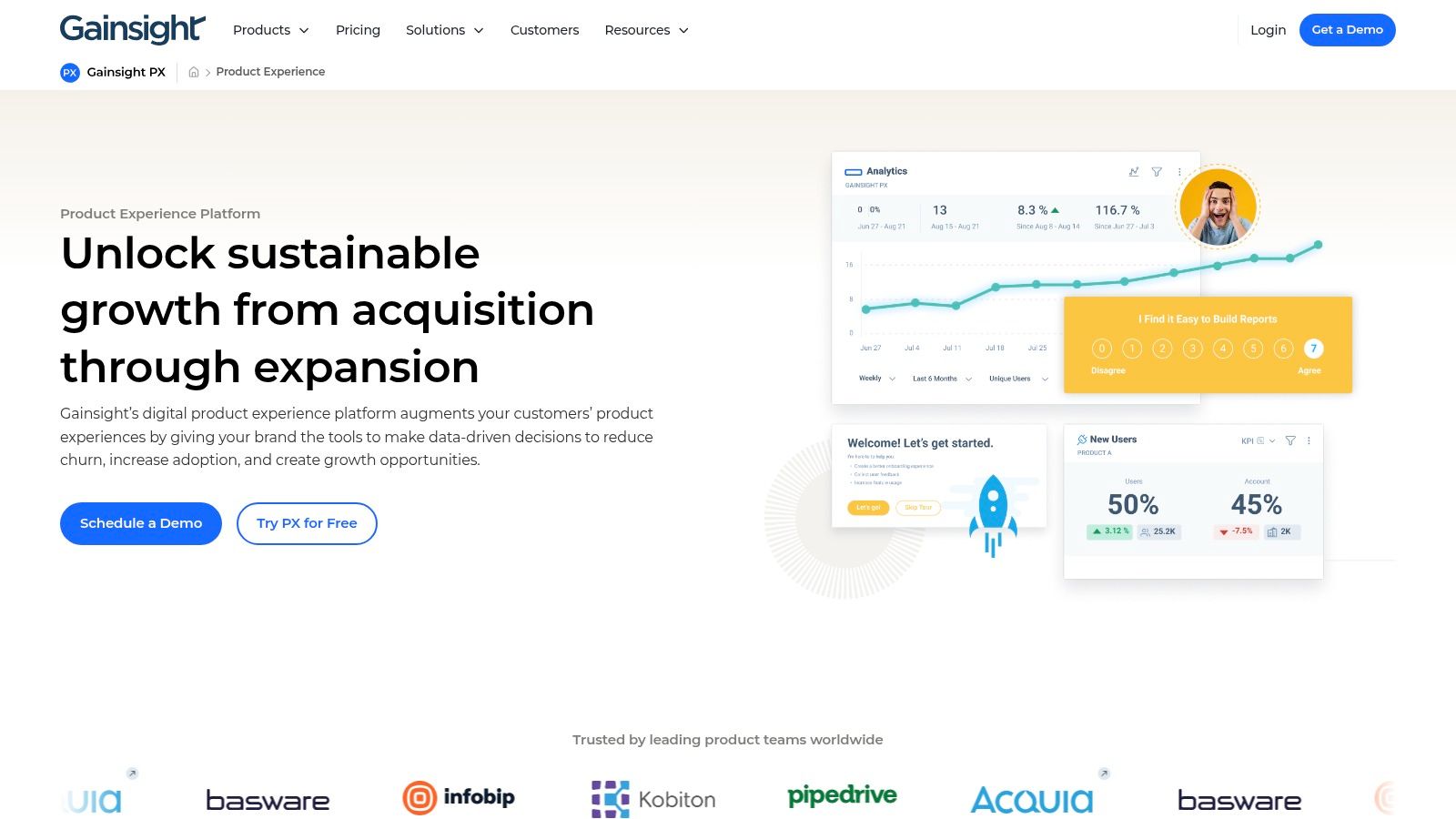
Gainsight PX makes the most sense when PLG and customer success need to share the same signals. That's the key distinction. It isn't just about onboarding new users. It's about understanding usage, segmenting accounts, and turning that behavior into lifecycle action.
If your company already uses Gainsight CS, PX gets more interesting fast. The product analytics and in-app guidance become part of a larger health and retention model, not just an onboarding layer sitting on its own island.
Strong choice for CS-linked PLG
PX includes no-code in-app guides, walkthroughs, announcements, surveys, product analytics, cohorts, and engagement dashboards. Its audience rules are one of the stronger reasons to consider it. You can work with CRM and account-level attributes, which is useful when product usage has to inform account strategy rather than just individual nudges.
That said, small teams can find Gainsight PX heavy. Pricing isn't public, and evaluation is sales-assisted. The admin footprint also tends to be larger than it is with a narrower adoption product.
The more your PLG motion depends on account context, the more a CS-aligned platform starts to make sense.
A benchmark framework on product-led onboarding found that monthly churn rate was the most-used metric for human-assisted onboarding, while for self-serve onboarding the most-cited signals included monthly churn rate, website traffic, NPS, and key-feature adoption (product-led onboarding benchmarks). That mix lines up well with Gainsight PX's value. It helps teams combine product behavior with customer health signals instead of treating onboarding as a standalone flow problem.
Use Gainsight PX when the buying need is coordination between product, CS, and revenue teams. Don't use it if you want the fastest possible setup for simple in-app tours.
5. Chameleon
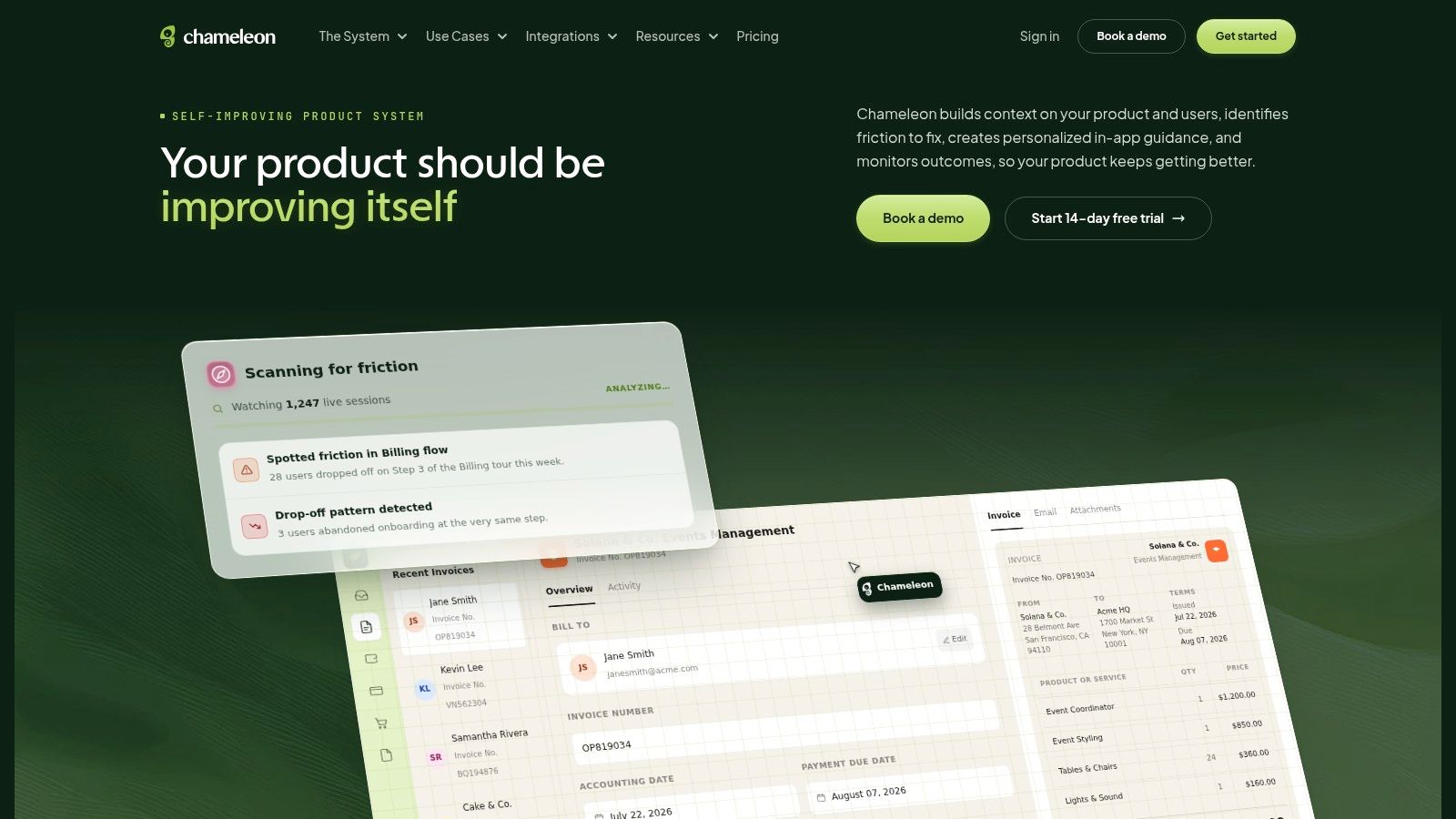
Chameleon is a good example of a tool that works best as part of a stack, not as the whole stack. It focuses on in-app adoption with Tours, Tooltips, Launchers, microsurveys, A/B testing, goals, alerts, and HelpBar for in-app search. That makes it attractive for teams that already trust another analytics system and want a strong action layer on top.
This is often the right move. Many teams don't need another all-in-one platform. They need targeted guidance that plugs into Amplitude, Mixpanel, Heap, Salesforce, HubSpot, or Slack without forcing a broader replatforming decision.
Best when analytics already exist
Chameleon's growing AI Agent capabilities for targeting, QA, and personalization are also worth watching. They fit teams that want help building and refining in-app experiences but don't want to hand over the whole analytics stack. The product feels designed for product teams that already know what signals matter and want to turn those signals into prompts, tours, and self-serve help.
The limitation is straightforward. Chameleon is less appealing if you expect it to double as your main analytics environment.
- Strong fit: Teams with an established analytics tool that want better in-app delivery.
- Less ideal: Teams hoping one purchase will solve both deep analytics and guidance.
- Operational upside: Integrations reduce the need to duplicate behavioral logic across tools.
A recurring buying mistake in this category is choosing by popularity instead of bottleneck. Independent PLG guidance notes that the stack usually breaks into acquisition, activation, and expansion, and many tools are strong in only one layer (PLG stack guidance). Chameleon is a classic activation-layer tool. It's excellent when that's the actual gap.
6. Userpilot
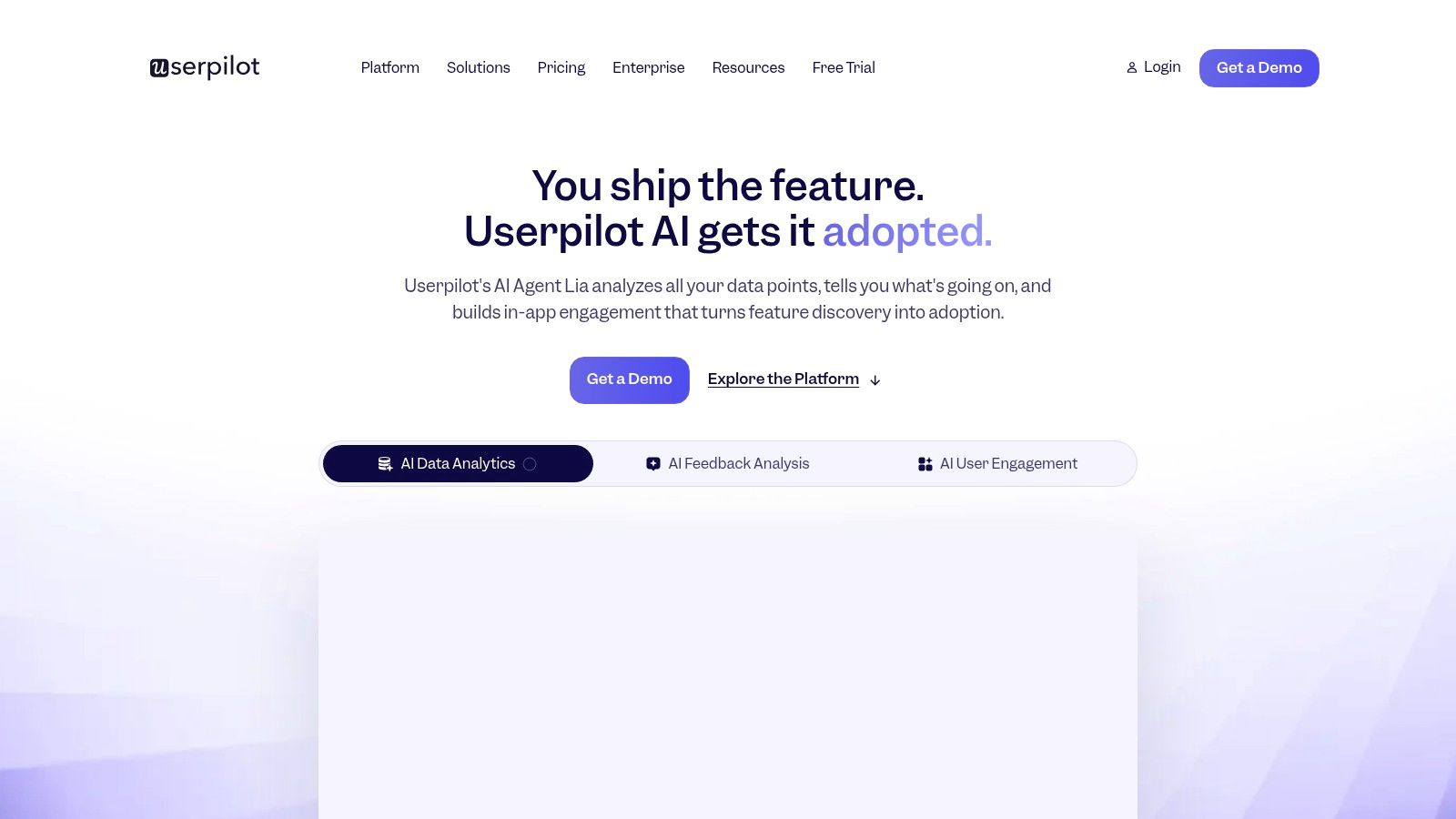
Userpilot sits in the practical middle of this list. It combines in-app engagement with product analytics, surveys, NPS, session replay, and email on higher tiers, without feeling as heavy as a larger enterprise suite. For many SaaS teams, that balance is the point.
It's also one of the easier tools here to evaluate because pricing is public and there's a 14-day free trial. When a team wants to move from research to a real pilot quickly, that transparency helps.
A balanced package for PM, PMM, and CS
Userpilot covers flows, spotlights, checklists, banners, microsurveys, trends, funnels, paths, retention, and session replay. It also includes the Lia AI Agent and an MCP server across plans, which is unusual enough to matter. The package is broad without forcing an immediate enterprise-style rollout.
For teams evaluating onboarding-first platforms, this kind of breadth can be a better fit than a narrow tour builder. If that's your use case, this roundup of user onboarding tools is relevant.
Where Userpilot needs scrutiny is advanced depth. It offers meaningful analytics, but event modeling won't feel as deep as a standalone analytics platform for some product teams. And some of the richer capabilities sit on Growth or Enterprise tiers.
Buying instinct: If you want one tool that both ships experiences and gives you enough product insight to iterate, Userpilot is one of the safer bets.
A benchmark survey found that 58% of surveyed B2B SaaS companies already had a PLG motion, and among those companies 91% planned to increase investment while 47% planned to double it (ProductLed PLG benchmarks). Tools like Userpilot benefit from exactly that environment. Teams want something broad enough to support iteration, but still realistic to pilot without a giant implementation program.
7. Userflow
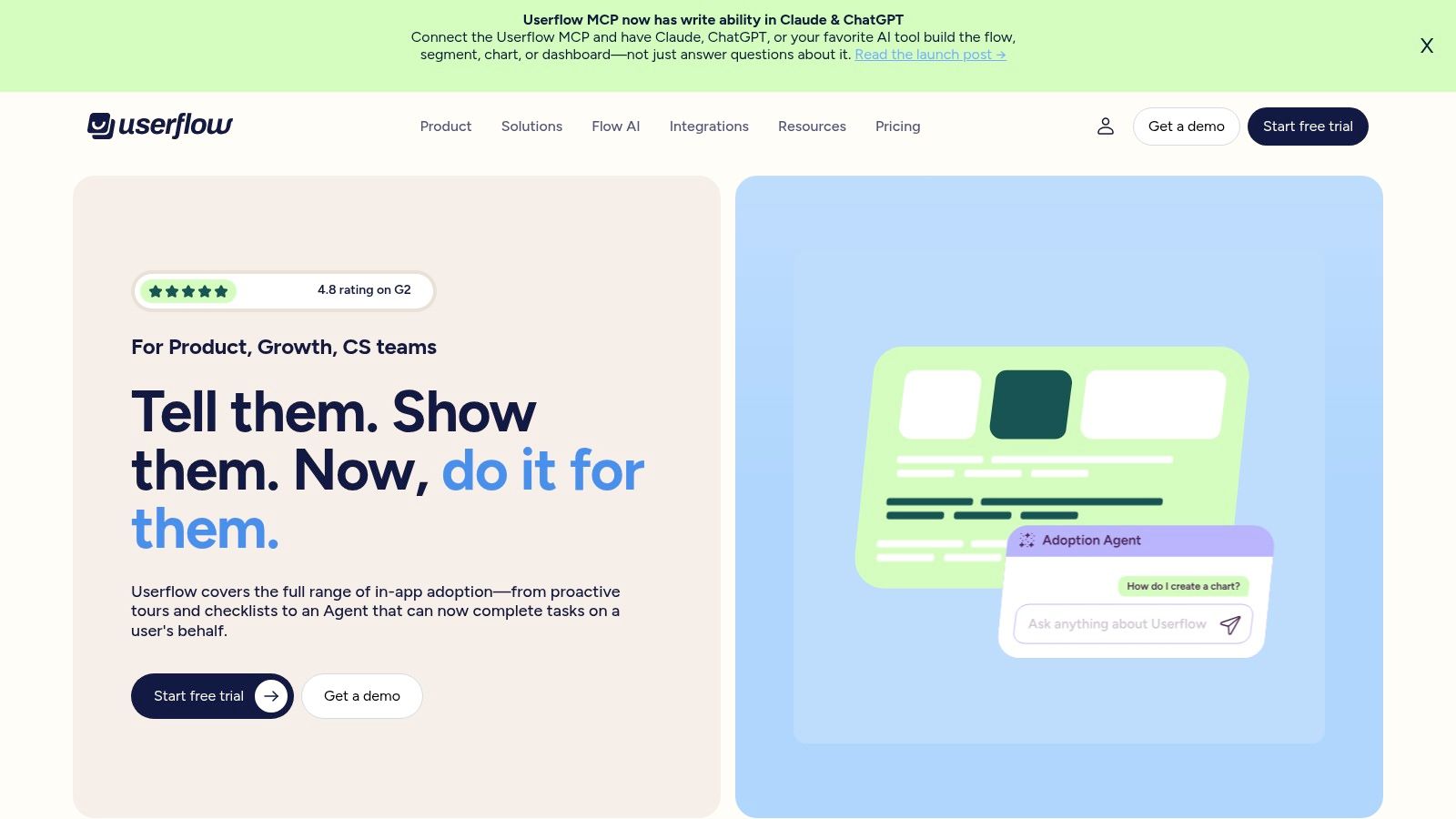
Userflow wins on speed and pricing clarity. If your team wants a lightweight no-code builder for flows, tooltips, checklists, announcements, banners, surveys, and NPS, Userflow is easy to like. The pricing is transparent, the seat model is simple, and implementation is relatively light.
That combination matters more than feature fireworks for many SaaS companies. Product led growth tools only help if teams can ship with them. Userflow is designed for that reality.
Fast setup, clear economics
The platform uses flat pricing with unlimited seats and clear MAU overage tables. It also supports theming, white-labeling, three environments, SOC 2 Type II and GDPR compliance, plus an optional AI Adoption Agent and included MCP support. That's a lot of practical capability for teams that care about both speed and predictability.
Userflow is less compelling as a primary analytics decision. Organizations will pair it with a dedicated analytics tool if they want deeper behavioral reporting. But that's not necessarily a drawback. Sometimes the right stack is a strong guidance layer plus a separate analytics system that your product team already trusts.
A second issue many teams underplay is operational strain. Recent commentary argues that the hard part in PLG isn't collecting behavioral data anymore. It's acting on it in real time, and closing the gap between investment and measurement (PLG strategy playbook commentary). Userflow's appeal is that it reduces the effort needed to turn insight into live guidance.
One more metric lens is useful here. Zendesk defines a self-service score as total help-center sessions divided by total users in tickets, and recommends calculating it over a 30-day snapshot when there's enough activity (Zendesk self-service metric guide). If your goal is reducing routine support demand through in-product help, Userflow can play that role well.
Top 7 Product-Led Growth Tools Comparison
| Product | Implementation 🔄 | Resources ⚡ | Outcomes 📊 | Use cases 💡 | Key advantages ⭐ |
|---|---|---|---|---|---|
| Rendemo | Medium, Chrome extension + optional CI for “tours as code” | Low–Medium, free tier, workspace pricing; web‑HTML focused | Interactive, clickable demos and overlay tours with step funnels | Sales demos, onboarding walkthroughs, QA for UI tours | Real‑HTML interactivity on Free plan; built‑in MCP server; tours as code |
| Appcues | Low, no‑code experience builder | Medium, MAU‑based plans; may need professional services | Faster time-to-value for in‑app onboarding and announcements | Non‑technical teams building onboarding flows and announcements | Mature, no‑code UX; all experience types included across plans |
| Pendo | Medium–High, analytics instrumentation and governance needed | Medium–High, MAU pricing; feature bundles vary | Analytics-driven insights plus in‑app guides and feedback | PLG teams prioritizing product analytics and proactive insights | Integrated analytics + guides; Novus AI beta for auto‑instrumentation |
| Gainsight PX | High, enterprise setup and CRM/account mapping | High, demo/sales‑led pricing; heavier admin footprint | Unified CS + product signals for lifecycle and health metrics | Customer success–led growth and enterprise account workflows | Deep segmentation using CRM data; strong CS alignment |
| Chameleon | Low–Medium, no‑code builder with integration setup | Medium, MTU pricing; best with existing analytics stack | Targeted tours, A/B tests and in‑app help with personalization | Teams that already use product analytics (Amplitude, Mixpanel) | Strong two‑way analytics integrations; HelpBar and AI Agents |
| Userpilot | Medium, balanced no‑code + analytics features | Medium, clear public pricing, 14‑day trial; MCP/AI included | Combined in‑app engagement + basic analytics and feedback | PMM/PM/CS teams wanting transparent pricing and trialability | Transparent pricing, included AI Agent (Lia) and compliance (SOC2/HIPAA/GDPR) |
| Userflow | Low, single snippet, quick setup | Low, flat transparent pricing, unlimited seats | Rapid deployment of in‑app flows and consistent theming | Teams needing fast, lightweight onboarding with clear costs | Clear MAU overage tables, unlimited seats, theming/white‑labeling |
Choose the Gap You Need to Close
The fastest way to waste money on product led growth tools is to buy a broad platform before you know where the friction sits. Teams often say they need “better onboarding” when the issue is earlier. Prospects can't understand the product without a live walkthrough. Or later. Activated users stall because nobody tied usage data to retention action.
That's why I'd choose by gap, not by category label.
Pick Rendemo when you need interactive HTML demos, reusable captures, lightweight publishing, or better demo maintenance. It's especially useful when the same workflow needs to support website conversion, sales follow-up, onboarding, and support education without being rebuilt four different ways. If the pain is product storytelling before full access, or keeping demo content aligned with a changing UI, it's the clearest fit in this list.
Choose Appcues, Chameleon, or Userflow when the main job is focused in-app guidance. Appcues is a mature choice for broad onboarding operations. Chameleon fits teams that already have product analytics and want a strong delivery layer. Userflow is the easy recommendation when speed, transparent pricing, and simple rollout matter most.
Use Pendo when the PLG motion is analytics-led and you want insight and intervention in one environment. Use Gainsight PX when product signals need to drive customer success action, especially in account-based or post-sale growth motions. Userpilot is the practical middle ground for teams that want a balanced engagement and analytics package, plus transparent pricing and a trial.
One metric detail is worth keeping in mind when you evaluate demo-layer tools. Navattic publicly defines engagement rate as unique engaged users who get past step one divided by unique visitors, and completion rate as total completed demo sessions divided by total started demo sessions (Navattic interactive demo reporting definitions). That's the right mindset for any PLG stack. Measure actual progress, not just impressions.
Start small. Choose one evaluation or activation journey. Define the success event. Instrument the steps that lead to it. Publish the smallest useful experience you can. Then review where users pause, drop off, or need human help. Expand the stack only after that path is clear.
Rendemo gives teams a practical way to show product value before or during signup with interactive walkthroughs built from real HTML, then reuse the same capture across embeds, overlays, links, and video. If your PLG motion needs clearer product storytelling, lighter demo maintenance, or a better bridge between evaluation and activation, take a look at Rendemo.
See it instead of reading about it
Record one workflow from your real product and publish a clickable demo anyone can follow. Real-HTML capture is on the free plan.
Start free