7 Sales Demo Tools for Live Demos and Qualification
· 17 min read
The best sales demo tool depends on the moment. The most expensive mistake usually isn't picking the wrong vendor. It's picking the wrong demo format for the job.
A lightweight click-through walkthrough can qualify curiosity on a pricing page. A controlled live environment can keep an enterprise demo from going off the rails. An automated experience with decent analytics can tell you whether a prospect explored the workflow they claimed to care about. Those are different jobs, and too much advice treats them as the same purchase.
The better decision map is simple. Use lightweight HTML walkthroughs for self-serve discovery. Use enterprise demo environments for complex presales and technical validation. Use automated experiences when you need qualification signals at scale and can't rely on scheduled calls alone. That matters because the median live demo show rate is only 55% to 65% in 2026, according to LevelUp Demo's SaaS sales benchmarks.
This comparison looks at capture fidelity, live-use practicality, distribution, analytics, personalization, maintenance, and commercial fit. The final choice should follow the sales motion, not a feature-count race.
Table of Contents
- 1. Rendemo
- 2. Reprise
- 3. Walnut
- 4. Storylane
- 5. Navattic
- 6. Consensus
- 7. Demoboost
- Top 7 Sales Demo Tools Comparison
- Match the Tool to the Qualification Job
1. Rendemo
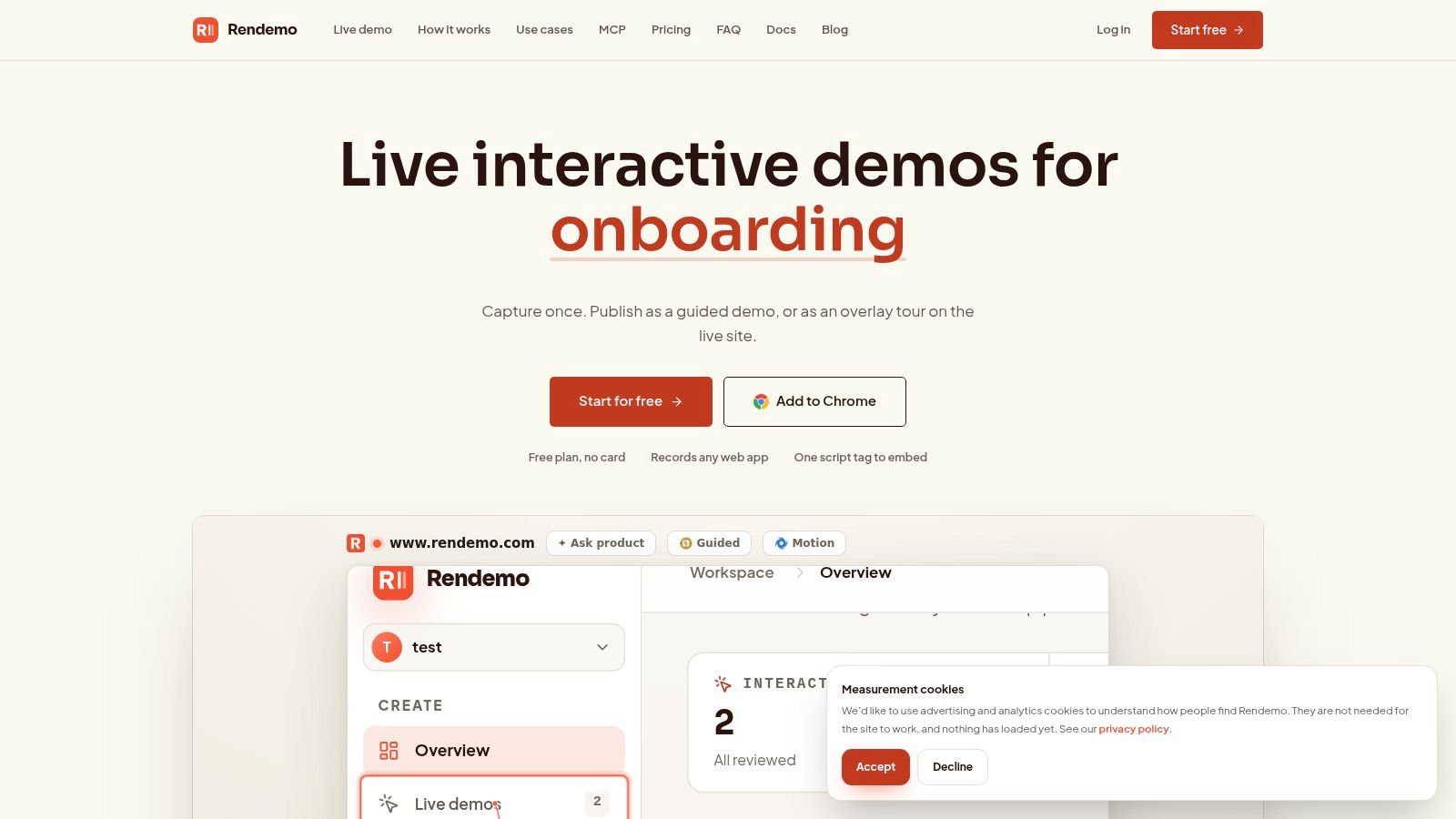
Rendemo is a fit for a specific sales job: interactive self-guided exploration that still feels close to the product. If the goal is to let prospects try a workflow on their own, across landing pages, follow-up emails, and post-call recap links, this is one of the clearer options in the group.
The core difference is capture fidelity. Rendemo records real HTML flows, so buyers can click, type, and move through the interface instead of stepping through static screenshots or a video made to look interactive. That usually produces a better qualification asset because prospects reveal what they explore, not just what they were shown.
Setup is fairly practical. Teams record flows with a Chrome extension, clean them up in the editor, add guidance or branches, and publish the same capture in multiple formats. One asset can become an embedded guided demo, an overlay tour on the live product, a shareable link, or an MP4. That matters for lean teams because the cost of maintaining separate demo assets is often higher than the initial build.
Best for distributed, self-serve demo use
Rendemo works best when the same product story needs to travel across teams without being rebuilt each time. Product marketing can use it on the website. Sales can send it after discovery to confirm interest in a workflow. Customer success can reuse the flow for onboarding. Support can turn parts of the same capture into help content.
Its pricing model also changes the buying decision. Public plans are workspace-based rather than seat-based, with Free, Pro at $39 per month, Scale at $129 per month, and Enterprise. The Free plan includes one published demo or tour, while paid tiers expand view limits and operational controls. For teams tired of buying extra seats before adoption is proven, that structure is easier to defend.
One detail that stands out is real HTML interactivity on the free plan. Another is the MCP server across plans, which makes Rendemo relevant for teams testing agent-assisted demo creation, not just manual tour building.
Trade-offs to understand before buying
Rendemo is strongest as a web product demo layer, not as a full presales sandbox. That distinction matters.
The upside is clear. Distribution is simple, embeds are light, and analytics are useful for qualification-heavy motions. Teams can track step funnels, see where viewers stall, and spot gaps in the flow. Features like localization, permissions, custom domains, and priority rendering also make more sense once several teams start publishing demos from the same workspace.
The limitation is just as clear. Rendemo is centered on HTML and Chrome-based capture. If the product story depends on native mobile behavior, desktop software, or deeper technical validation in a controlled environment, another category of tool will fit better. Some of its more advanced workflows also pull in engineering, especially if a team wants to use its tours-as-code approach and catch broken flows in CI before they reach buyers.
That makes Rendemo a practical choice for SaaS teams that need one reusable asset for qualification, distribution, and ongoing education, without paying for enterprise demo infrastructure they do not plan to use.
2. Reprise
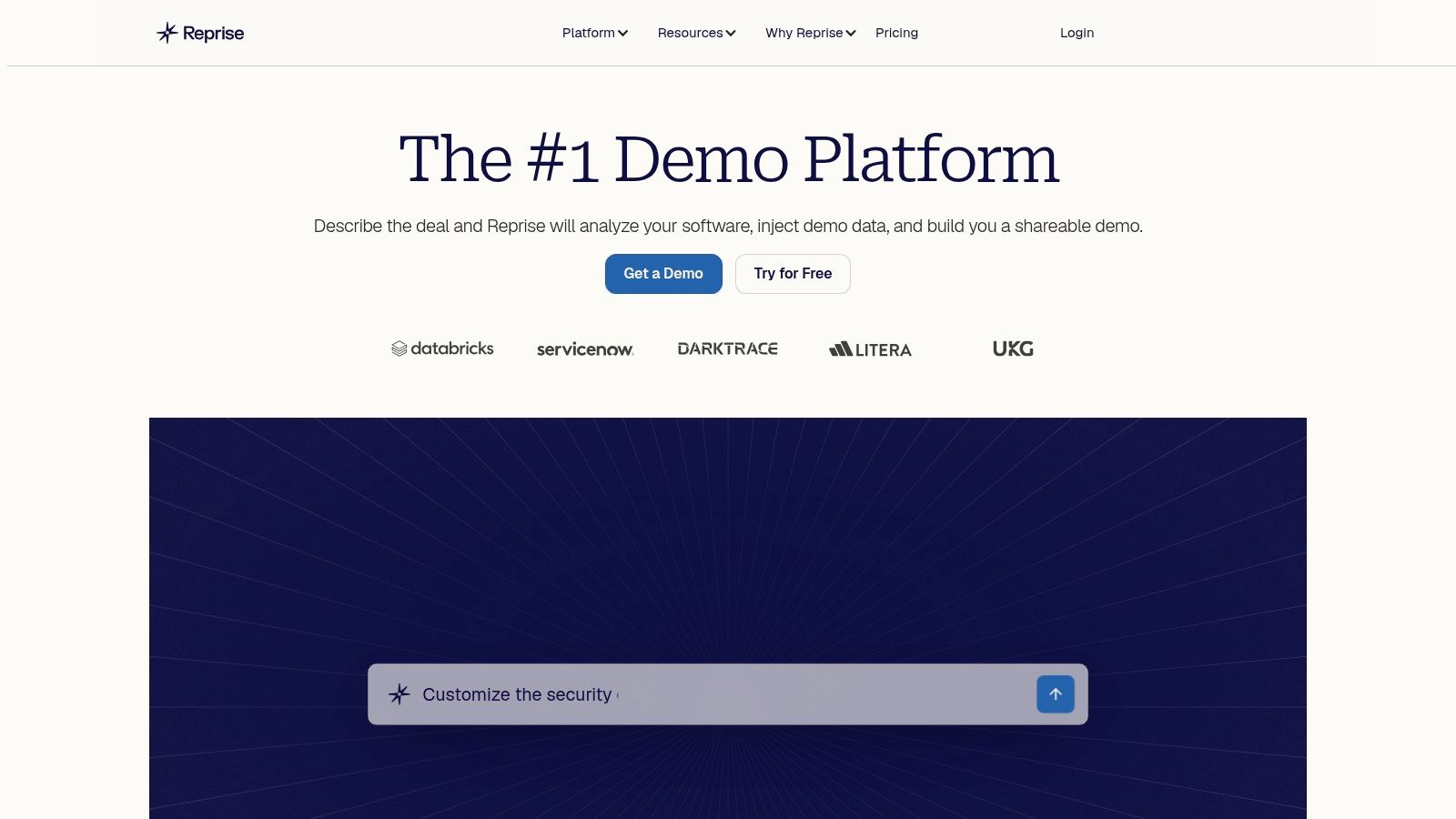
Reprise is built for a different problem than lightweight walkthrough tools. It's for teams that need a safe, realistic, enterprise-grade demo environment and can't afford to improvise during live presales.
Its core appeal is full application cloning. That gives presales teams a controlled sandbox that feels close to the product without exposing production data or relying on unstable demo tenants. Reprise also adds guided demos, AI-driven data injection, governance, and integrations with systems sales teams already use.
Best for presales teams with complexity
This is the tool I'd shortlist when solutions engineers need both live demos and leave-behind experiences, and when security review is part of the buying process. Public materials emphasize enterprise controls such as SOC 2 Type II, ISO 27001, SSO, and RBAC. Those aren't exciting in a product tour. They matter a lot when the demo process itself has to be governed.
Reprise also sits closer to the “demo environment” end of the market than the “website conversion asset” end. If that distinction is still fuzzy, this breakdown of tools that automate repeatable product demos for sales teams is a useful frame.
Reprise is easiest to justify when the risk of a bad live demo is higher than the cost of a heavier platform.
The drawback is total cost and operational weight. Pricing is quote-based, with a platform fee plus per-user licenses, so smaller teams can end up buying far more structure than they need. Early-stage SaaS companies often want something they can publish this week, not a larger implementation project.
3. Walnut
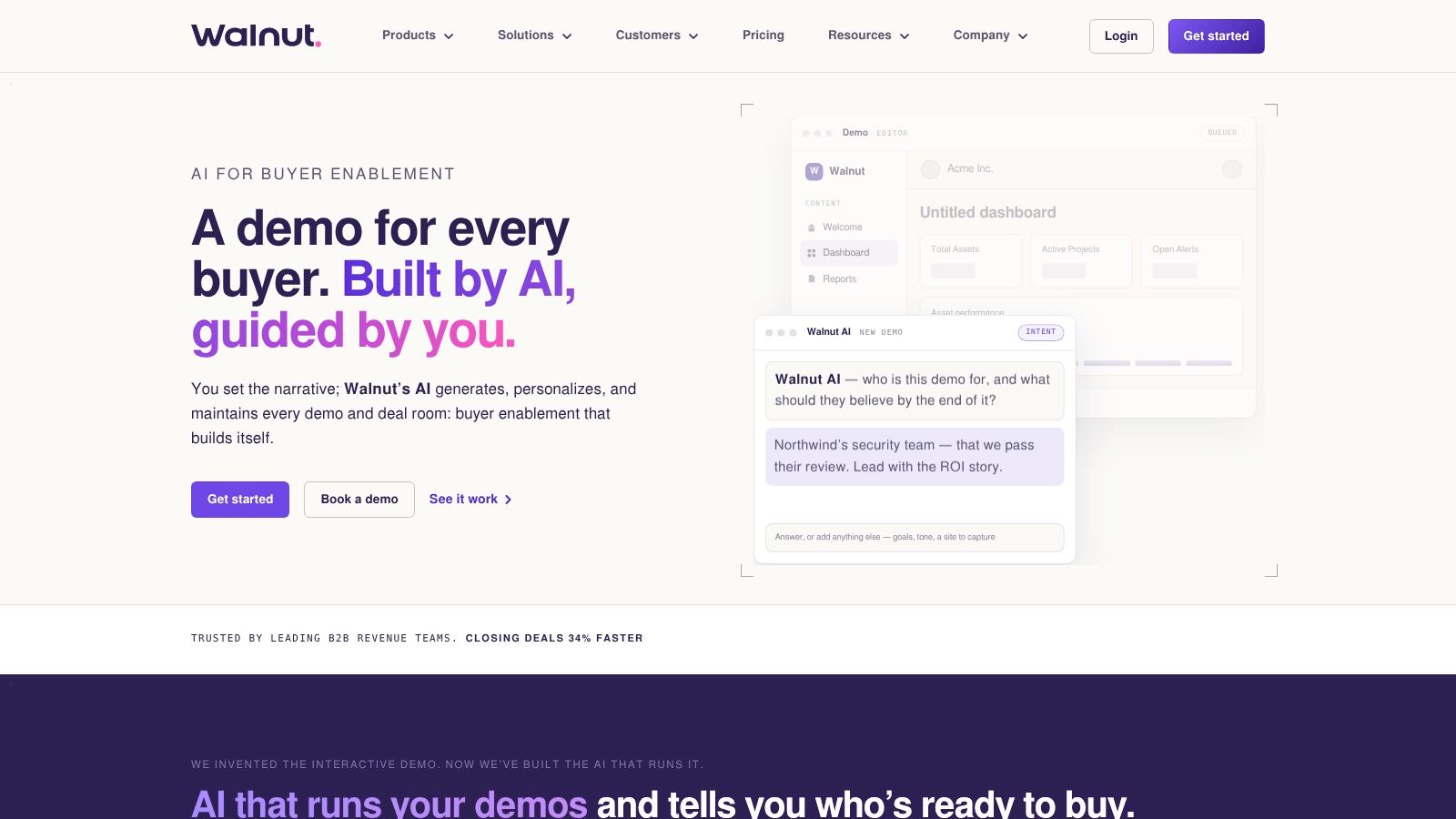
Walnut sits in the middle ground between marketing demos and sales execution. It's an interactive demo platform, but its packaging and buyer-path features make it especially relevant for teams that want demos to support qualification, follow-up, and multi-stakeholder sharing.
That shows up in practical features rather than hype. Walnut supports personalized demos, playlists that sequence content into guided buyer journeys, analytics, and optional digital sales rooms. If your reps often send a demo plus docs plus a recap video after a call, Walnut is trying to make that one coordinated experience.
Strong when buyer paths matter
One of Walnut's advantages is that it publishes a mid-tier plan and explains the AI credit model and enterprise add-ons with more clarity than some enterprise-focused vendors. That helps teams budget without a long sales cycle just to understand packaging.
This also lines up with where the category is heading. Recent trend coverage argues that security posture, localization, and AI-personalized demos have become buying criteria, while demo tooling is shifting from one-off asset creation toward operational systems with governance and analytics. The same coverage notes that top-performing interactive demos dramatically outperform baseline engagement, which reinforces how much execution quality matters, not just platform choice, in Walnut's 2026 demo platform trends coverage.
Walnut's trade-off is cost layering. The public plan is clearer than many competitors, but advanced capabilities such as offline use, advanced translations, and SSO or SCIM sit behind add-ons or higher plans. For very small teams, that can turn a clean shortlist into a budget mismatch.
4. Storylane
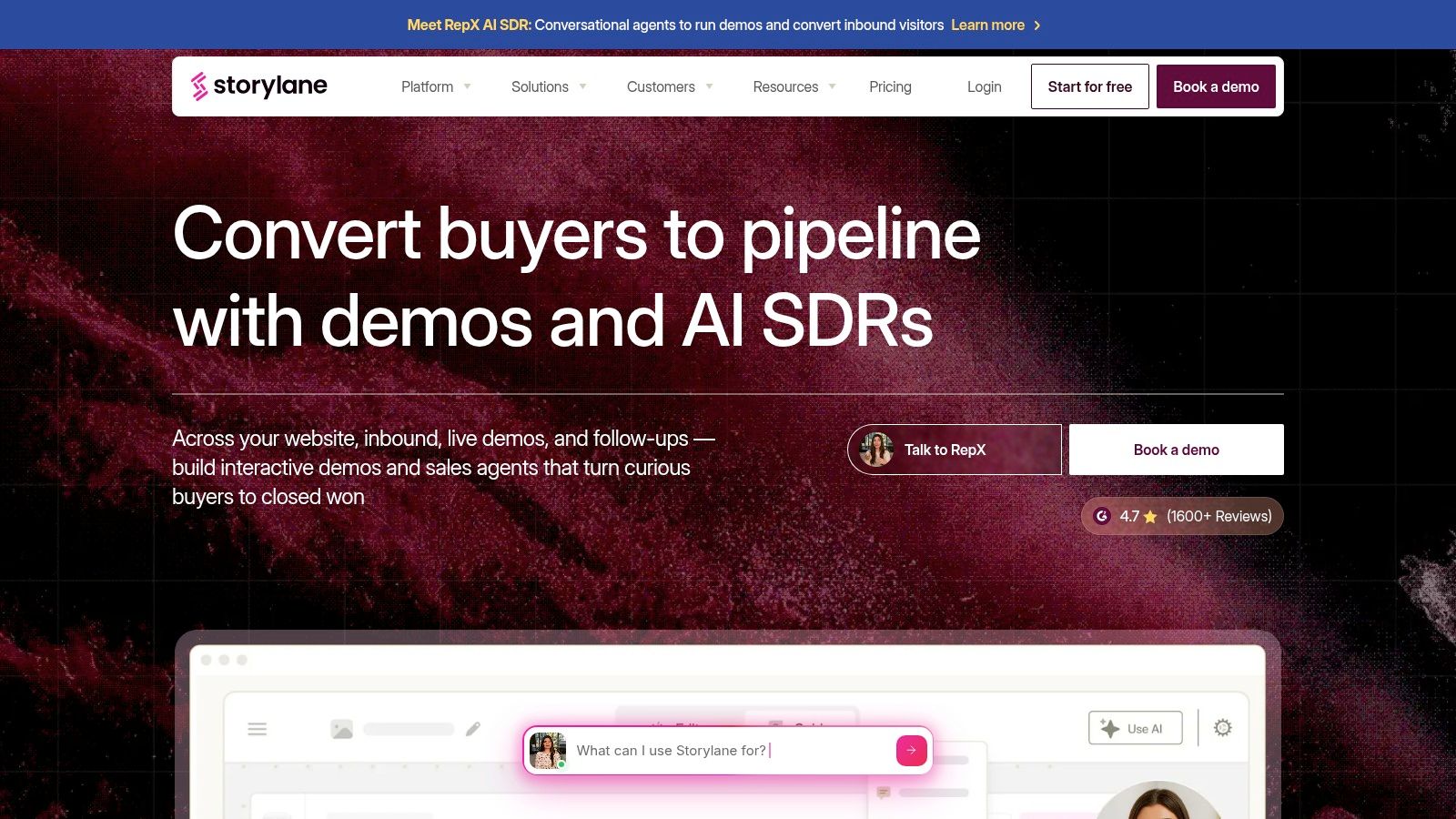
Storylane is a practical pick for teams that want flexibility in how demos get built. It supports screenshot-based and video-based creation, but it also supports captured HTML, which means it can serve both quick-turn campaign needs and higher-fidelity product storytelling.
That matters because not every sales demo needs full sandbox depth. Sometimes marketing needs a fast campaign asset. Sometimes a rep needs a personalized leave-behind. Sometimes a team wants A/B testing on demo paths before they standardize a flow.
Good balance of speed and fidelity
Storylane's positioning makes sense for teams that don't want to choose between “fast but superficial” and “realistic but heavy.” Personalization tokens, analytics, Hubs for deal-room style sharing, and optional AI video avatar features give it room across funnel stages.
It also fits the market gap pretty well. Interactive demo adoption still isn't universal. Only 18% of 5,000 B2B SaaS sites had an interactive demo CTA in 2026, up from 12% in 2024, while the top 1% of demos reached a 71% CTR, according to Demoboost's 2026 sales demo software analysis. That gap is why tools like Storylane get traction. They let teams test whether a demo deserves a bigger role in acquisition before committing to a deeper platform strategy.
For teams comparing vendors in this lane, this roundup of Storylane alternatives is useful because it separates lightweight walkthrough builders from more operational demo systems.
The limitation is maintenance. HTML capture creates better fidelity than media-only demos, but edited HTML demos still need upkeep as the underlying product changes. Teams that underestimate that ongoing work usually end up with stale stories.
5. Navattic
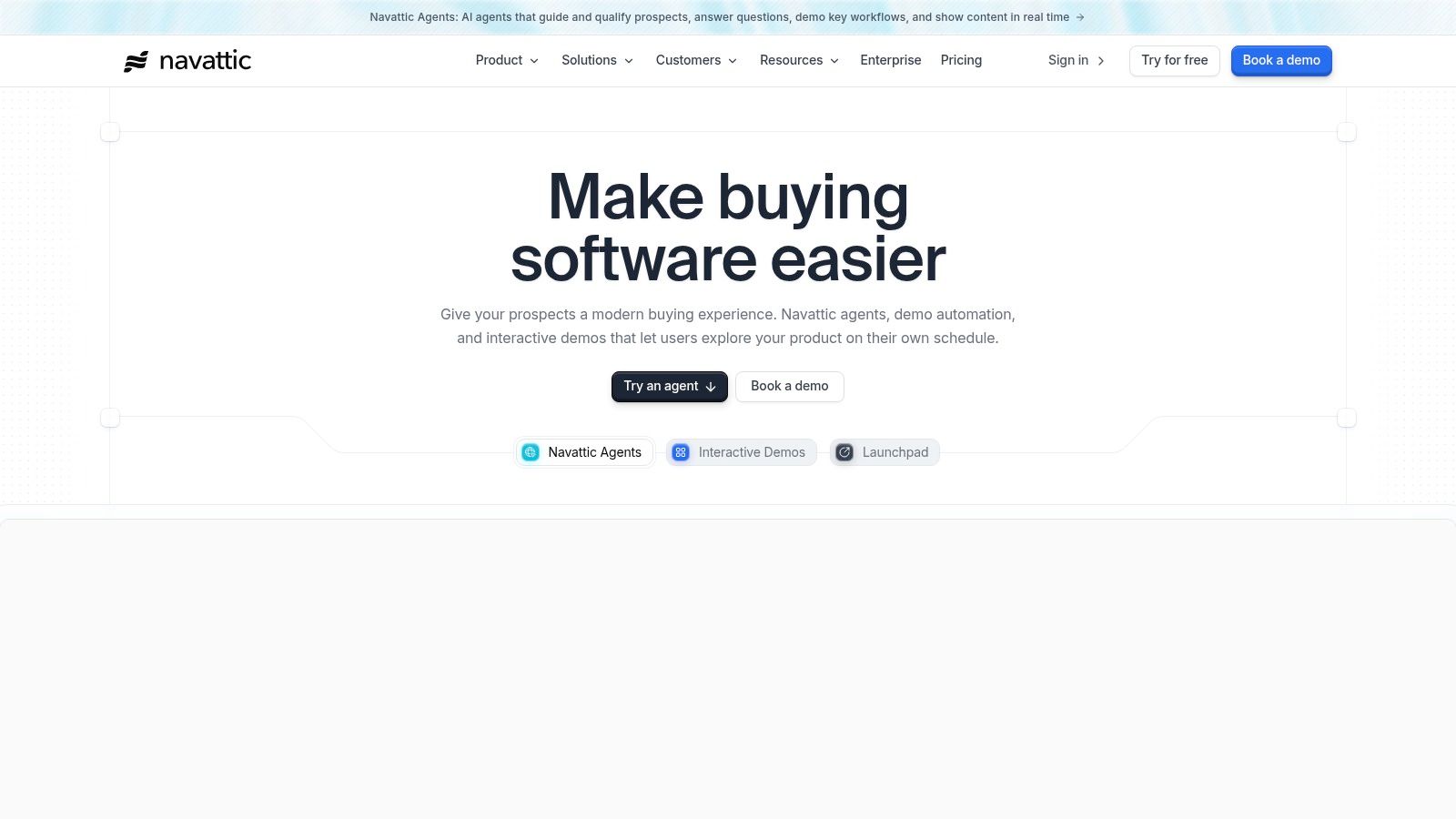
Navattic is one of the clearest options for teams that want to pilot interactive demos without a heavy commitment. Its free Starter plan lowers the barrier to testing website embeds and sales leave-behinds, which is often exactly what a marketing or growth team needs before asking for a bigger budget.
The product is well suited to “show it on the site, then share it in follow-up” use cases. It supports HTML capture, text and data editing, embeddable demos, and broad distribution. That makes it more useful for early buyer exploration than for deep enterprise presales.
Best for testing self-serve demand
Navattic is also one of the few tools in this market with a free path that still feels viable for a real pilot. That's valuable because teams shouldn't start with a six-month procurement cycle just to learn whether buyers will engage.
Its benchmark framing is also helpful for judging performance once a demo is live. Navattic's 2025 State of the Interactive Product Demo report defines engagement rate as the share of sessions that get past step one and completion rate as the share of users who finish the demo. In that report, engagement rate was 61.6% and completion rate was 54.0% in Navattic's 2025 report.
If you're evaluating similar products, this guide to Navattic alternatives for interactive product demos helps clarify where different tools diverge on fidelity, sharing, and team workflows.
The catch is that Navattic's free entry point doesn't represent the full long-term operating model. Once you need multiple demos, deeper analytics, and stronger collaboration controls, you're in paid-plan territory and often into a more sales-assisted buying motion.
6. Consensus
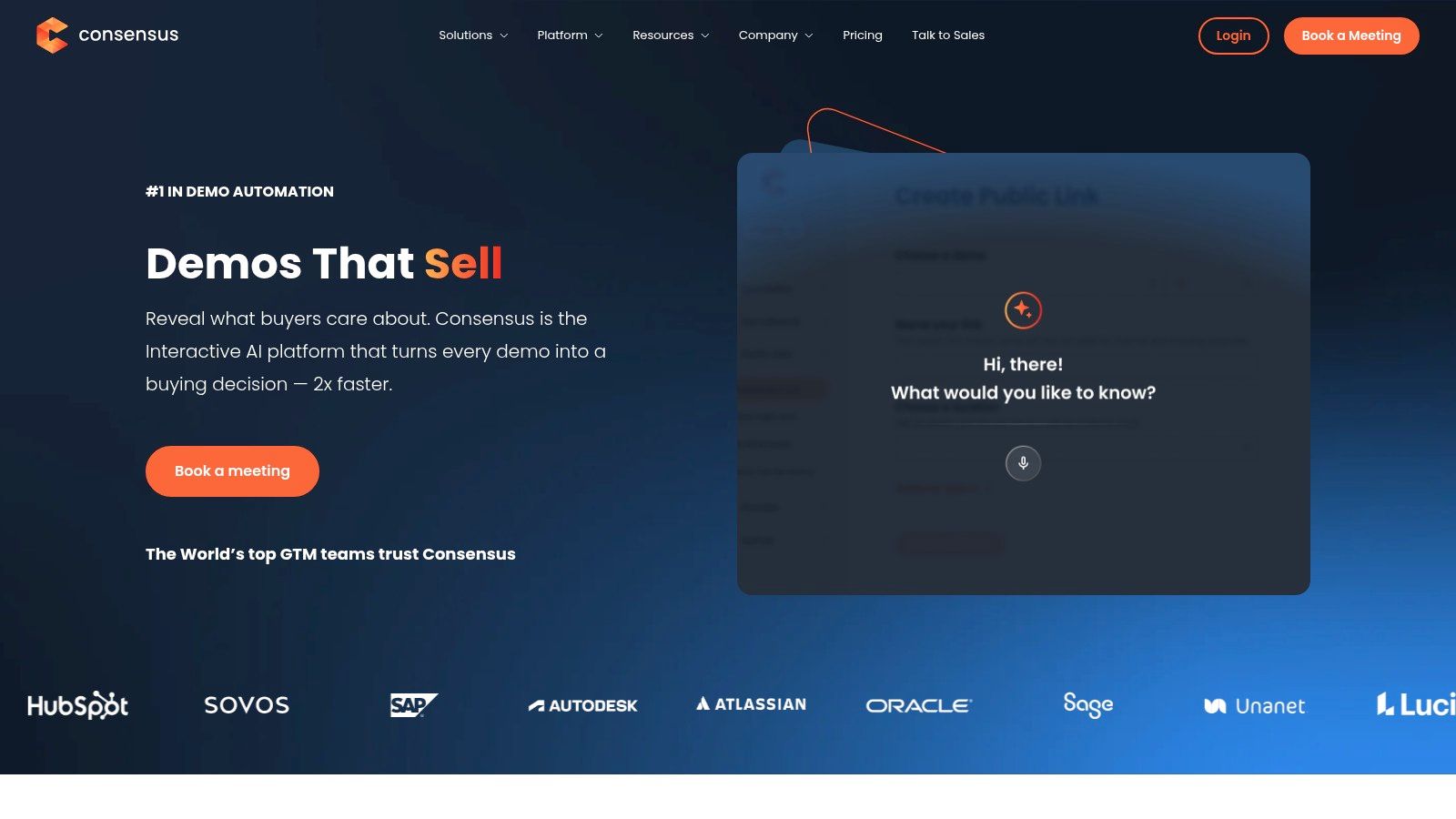
Consensus is less about “make a pretty product tour” and more about scaling presales through automated, personalized demo experiences. If your bottleneck is that solutions engineers keep repeating the same core workflows for similar accounts, Consensus is built to absorb that load.
It combines self-guided interactive demos, video experiences, personalization, CRM-connected demo intelligence, and now live personalization capabilities after acquiring Saleo. That gives it a broader lane than tools focused only on self-serve walkthroughs.
Built for scalable qualification
Consensus stands out when the sales job is qualification plus education across multiple stakeholders. Buyer behavior data strongly supports that focus. Consensus reports that the average demo length is over 15 minutes, while actual buyer viewing time averages 5 minutes and 44 seconds in its 2025 B2B Buyer Behavior Report PDF. That gap explains why async, role-specific experiences keep replacing one-size-fits-all live walkthroughs.
There's another reason to take that seriously. The same research program says it analyzed 6 million interactions from real B2B buyers, which gives its engagement observations more weight than ordinary opinion polling in Consensus research on buyer behavior.
Shorter, role-specific demo experiences usually beat the “everyone join one long call” model when buying groups are large and attention is fragmented.
Consensus isn't a lightweight tool, though. Pricing is quote-based and the platform asks for more process discipline than simple capture-and-share products. Teams that just need a website demo or a quick post-call walkthrough will probably find it too heavy.
7. Demoboost
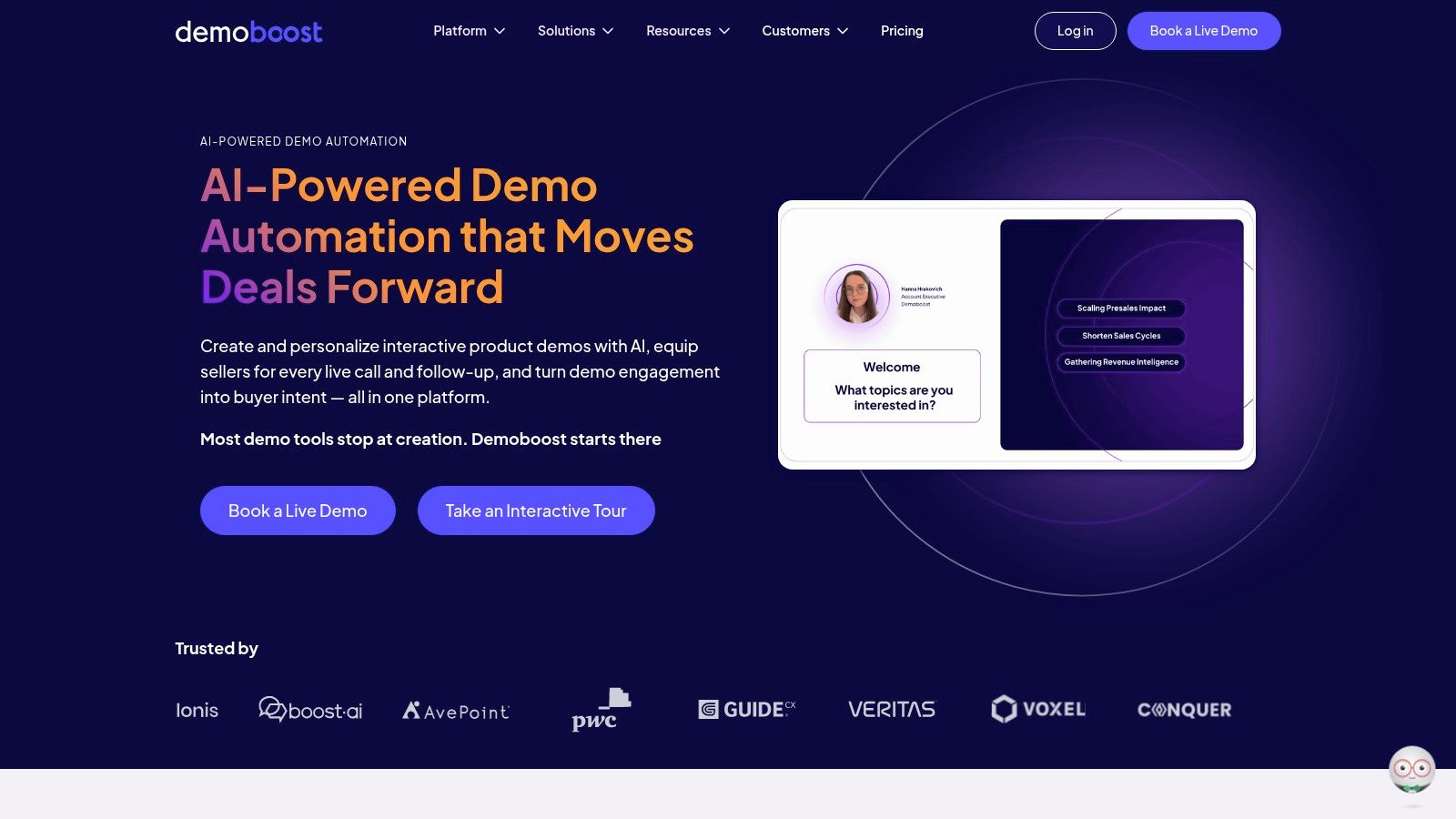
Demoboost is a good fit for revenue teams that want both interactive demos and sandbox-style hands-on environments, with clearer packaging than many enterprise competitors. It's one of the more useful options when your process spans marketing-site tours, sales-stage demos, and presales workflows.
Its mix of demo creation, personalization, analytics, and sandbox support means it can cover more than one job without pretending every team needs the same format. Some prospects should get a clickable tour. Others need a more realistic environment to validate workflow fit. Demoboost is built around that split.
Useful when format choice matters
That focus matches where the market is maturing. Independent benchmark data says interactive demos can outperform traditional screen-share demos. One 2026 analysis reports a 38% demo-to-close rate for interactive demos versus 25% for traditional screen shares, while another benchmark says interactive demos drive 32% higher conversion rates than static or live-only approaches, according to RepMath's sales demo calculator and benchmark summary.
For teams trying to move from “we should probably have demos” to “which demo format belongs in which motion,” Demoboost's market framing is useful. It's also one of the more budget-friendly products to evaluate on paper because plan names and included capabilities are published, even if higher tiers still move into custom pricing.
The downside is commitment. Billing is annual, the starting tier is positioned as a platform choice rather than a casual single-user tool, and advanced needs still push you into sales conversations. That's fine for teams with a defined presales process. It's less ideal for ad hoc experimentation.
Top 7 Sales Demo Tools Comparison
| Product | Implementation Complexity 🔄 | Resource Requirements ⚡ | Expected Outcomes 📊 | Ideal Use Cases 💡 | Key Advantages ⭐ |
|---|---|---|---|---|---|
| Rendemo | Moderate, Chrome recorder + optional CI/tours-as-code integration 🔄 | Low–Medium, flat workspace pricing, view limits per tier ⚡ | High interactivity and actionable analytics; CI-safe demos, ⭐⭐⭐⭐ 📊 | Product marketing, sales/presales, onboarding, developer teams 💡 | Real‑HTML interactivity on Free plan, unlimited creators, MCP server, multi-output publishing ⭐ |
| Reprise | High, full app cloning, governance and sandbox setup 🔄 | High, quote-based platform fee + per-user licenses; enterprise onboarding ⚡ | Very realistic, compliant demo sandboxes for enterprise sales, ⭐⭐⭐⭐⭐ 📊 | Enterprise presales needing secure, realistic sandboxes and reporting 💡 | Full application cloning, enterprise security (SOC2/ISO), deep integrations & analytics ⭐ |
| Walnut | Medium, no-code editing with personalization features 🔄 | Medium, seat-based plans and AI credit model; add-ons for enterprise ⚡ | Strong personalized buyer journeys and intent signals, ⭐⭐⭐⭐ 📊 | Sales/marketing teams needing personalized demos and playlists 💡 | Clear packaged pricing, buyer-intent features, playlists and AI credits ⭐ |
| Storylane | Low–Medium, no-code media/HTML capture; editable elements 🔄 | Medium, tiered plans with visitor allowances and optional add-ons ⚡ | Good balance of speed and fidelity; supports A/B testing, ⭐⭐⭐⭐ 📊 | Mid-market demos, deal rooms (Hubs), experimentation & marketing 💡 | Transparent pricing, fast media capture plus HTML fidelity, A/B testing ⭐ |
| Navattic | Low, simple HTML/media capture and embed workflow 🔄 | Low, free Starter (1 demo, unlimited views); paid for scale ⚡ | Quick pilot success and marketing embeds; basic analytics, ⭐⭐⭐ 📊 | Pilots, marketing embeds, lightweight sales leave‑behinds 💡 | Truly free Starter tier, easy embed/share, HTML capture ⭐ |
| Consensus | High, automated demo orchestration, evolving agentic features 🔄 | High, quote-based enterprise pricing; enablement required ⚡ | Scales async & live personalized demos with demo intelligence, ⭐⭐⭐⭐ 📊 | Enterprise presales at scale, demo qualification and CRM intelligence 💡 | Automated personalized demos, CRM demo intelligence, live/data injection (Saleo) ⭐ |
| Demoboost | Medium–High, interactive demos plus sandbox setup and workflows 🔄 | Medium–High, annual billing, tiered plans, enterprise sales for top tiers ⚡ | Revenue‑oriented demos with analytics and mobile support, ⭐⭐⭐⭐ 📊 | Presales and revenue teams needing sandboxes and mobile demos 💡 | Published plans, mobile demos, revenue-intel orientation and AI augmentations ⭐ |
Match the Tool to the Qualification Job
The simplest way to choose among sales demo tools is to stop asking which platform has the longest feature list. Ask which qualification job you need to perform.
Do you need a clickable website experience that helps buyers explore on their own? Do you need a controlled live demo that won't collapse because a tenant is messy or a workflow is half-configured? Do you need a realistic sandbox for technical validation? Do you need a personalized buyer path that supports multiple stakeholders after the call? Or do you need analytics that show where interest turns into friction?
Those questions matter more than branding because demo tooling now spans very different layers of the funnel. The market itself reflects that. The demo automation software market was valued at $2.8 billion in 2025 and is projected to reach $6.4 billion by 2033, with cloud deployment accounting for 73.2% of the market, according to Dataintelo's demo automation software market report. There's a lot of product variety inside that category, and not all of it solves the same problem.
A good buying process is more practical than most comparison pages suggest. Test one representative workflow end to end. Capture it. Run it in a live sales scenario. Share it asynchronously. Inspect where viewers pause or drop off. Then check how hard it is to keep accurate after the product changes.
The best demo platform isn't the one with the best editor in a trial. It's the one your team can keep trustworthy when the product, message, and buyers keep changing.
If your motion is self-serve and web-first, a lightweight HTML tool can carry more value than an enterprise sandbox. If your motion is enterprise presales, realism and governance usually matter more than quick publishing. If your problem is repetitive demos and weak qualification, prioritize automation and analytics over visual polish.
The best shortlist balances buyer experience, seller control, qualification evidence, maintenance effort, governance, and total cost. That's the comparison.
If you want one workflow to power website demos, sales follow-up, live overlays, and even video export, Rendemo is one of the cleaner options in this category. It captures real HTML, supports branching and analytics, and gives teams a practical way to keep demos accurate as the product changes. Take a look at Rendemo if you want an interactive demo tool that stays lightweight without staying shallow.
See it instead of reading about it
Record one workflow from your real product and publish a clickable demo anyone can follow. Real-HTML capture is on the free plan.
Start free